 CueLoop
Tiny cues that keep you in rhythm.
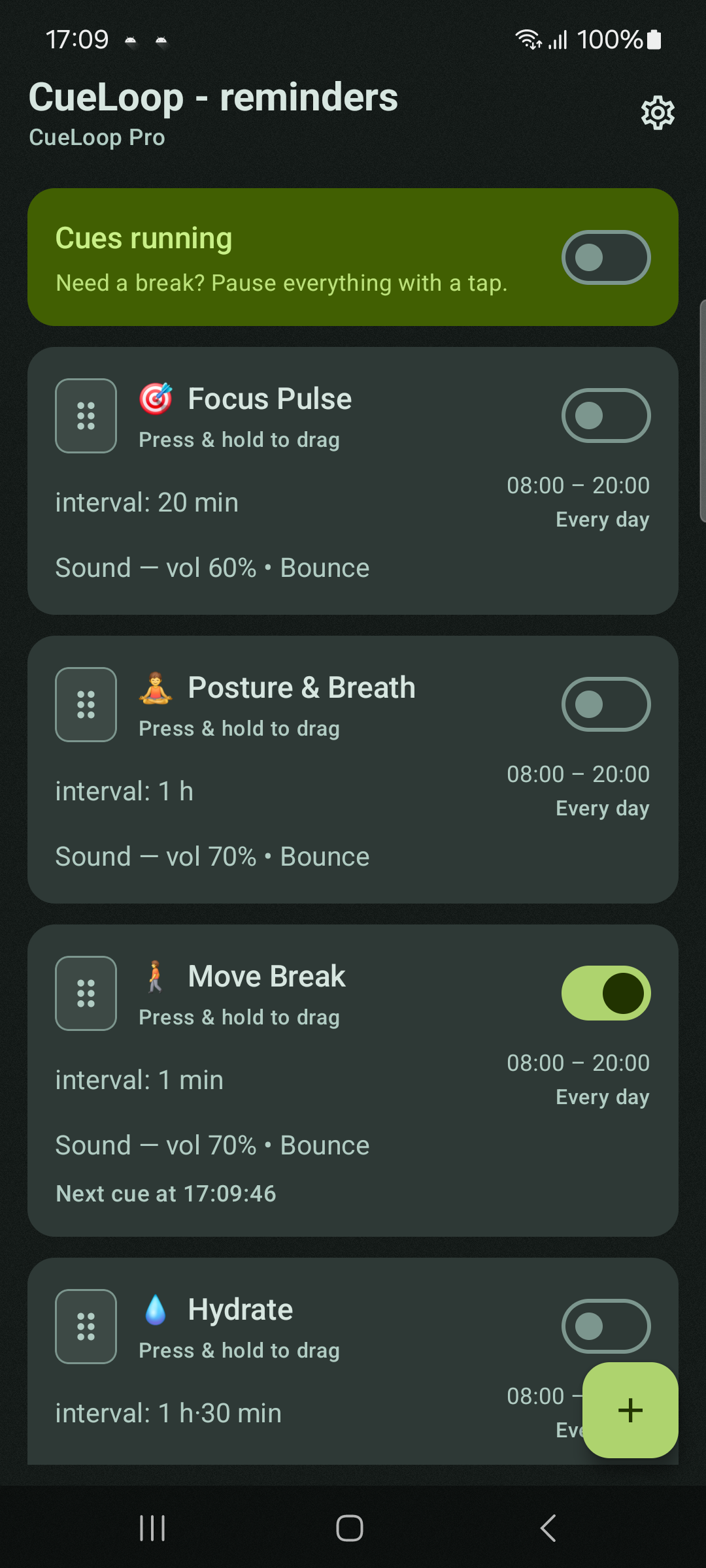
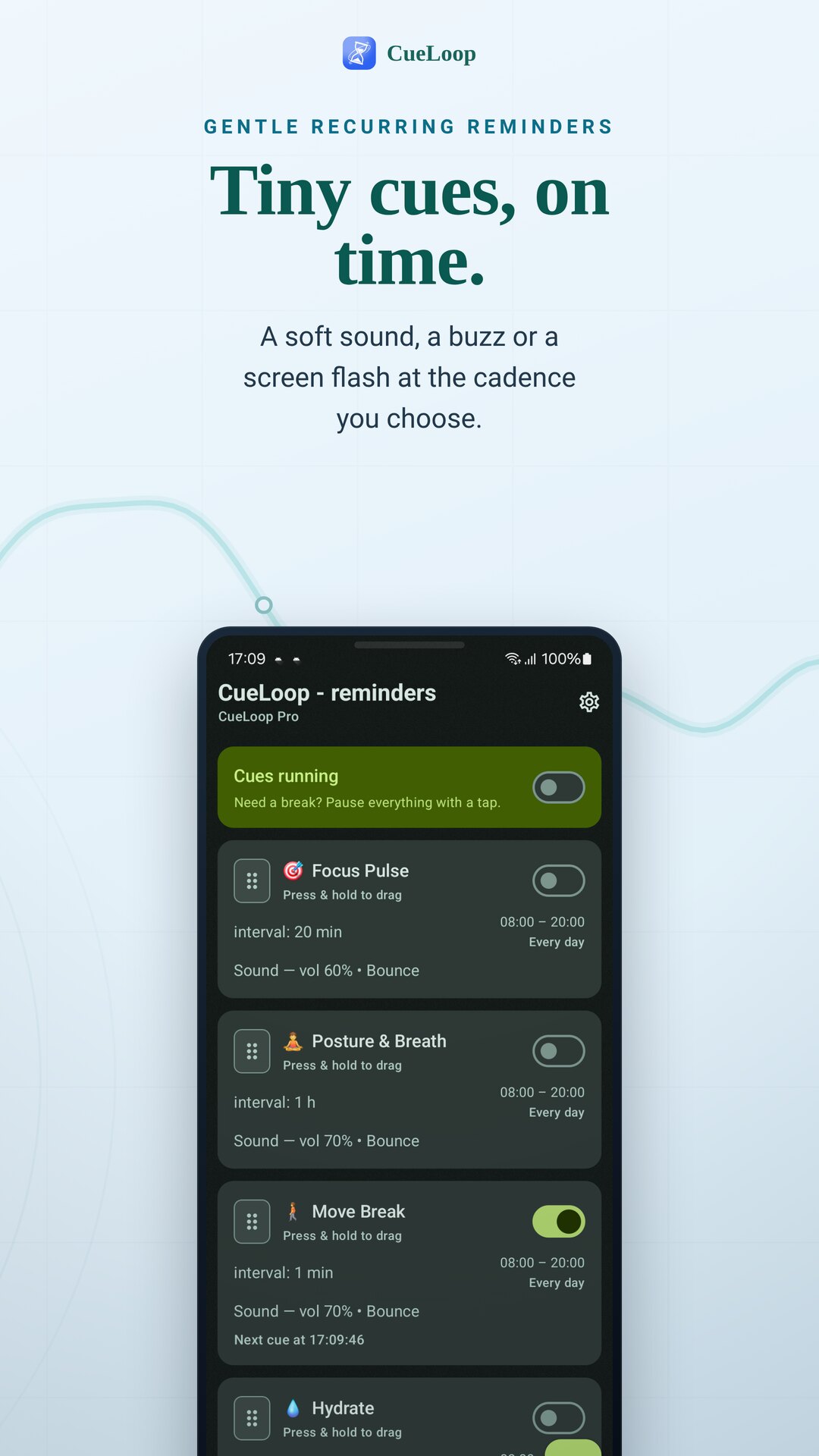
Set the cadence you want and CueLoop nudges you — a gentle sound, a soft buzz, or a brief screen flash — on your phone and your Wear OS watch. For hydration, posture, eye breaks, breathing and focus.
No sign-up · offline & private · Wear OS · Weekly Free Day
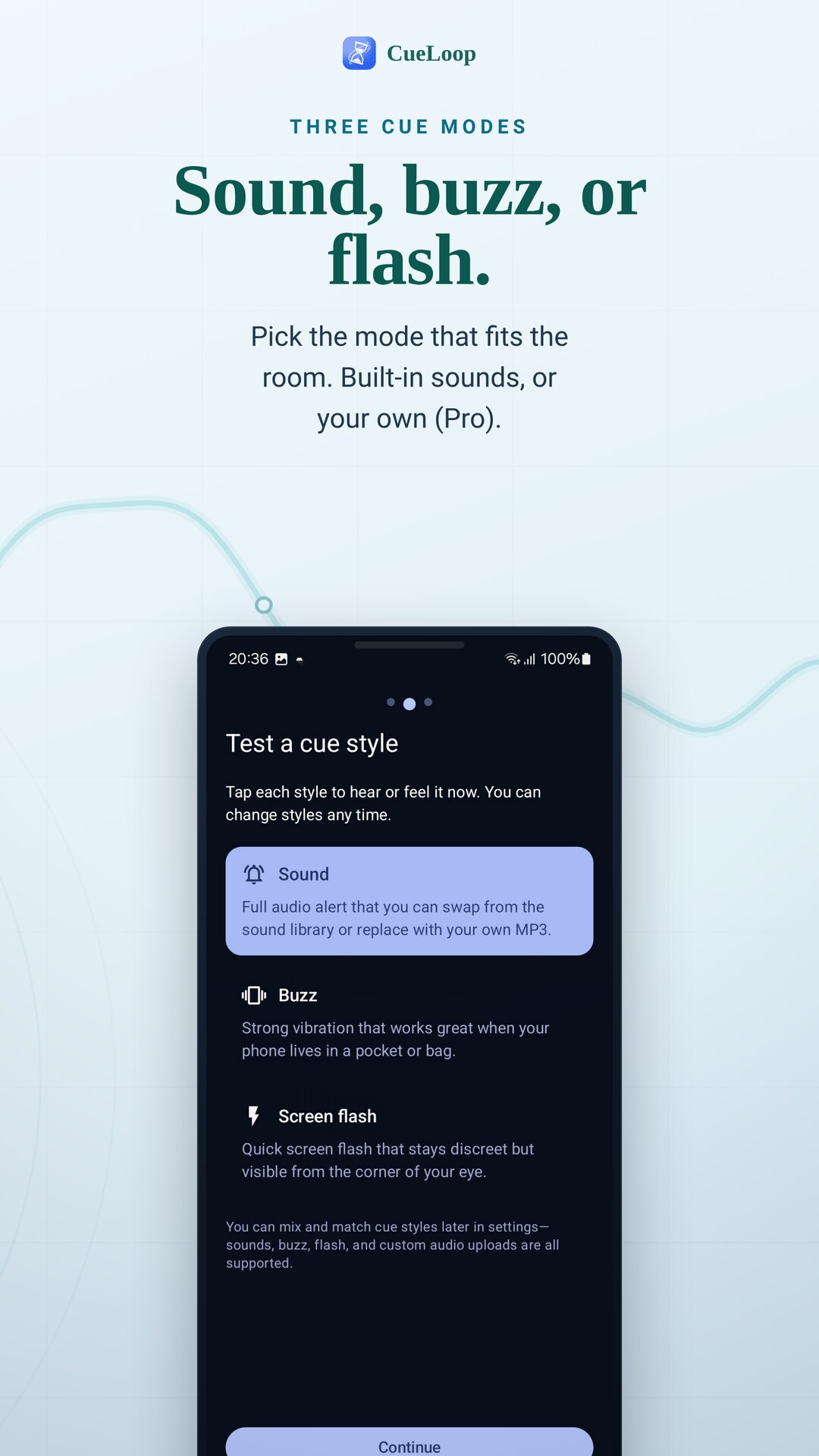
A cue you actually notice
No streaks, no guilt, no feed. Just a quiet, well-timed nudge in the mode that fits the moment.
A soft tone, not an alarm
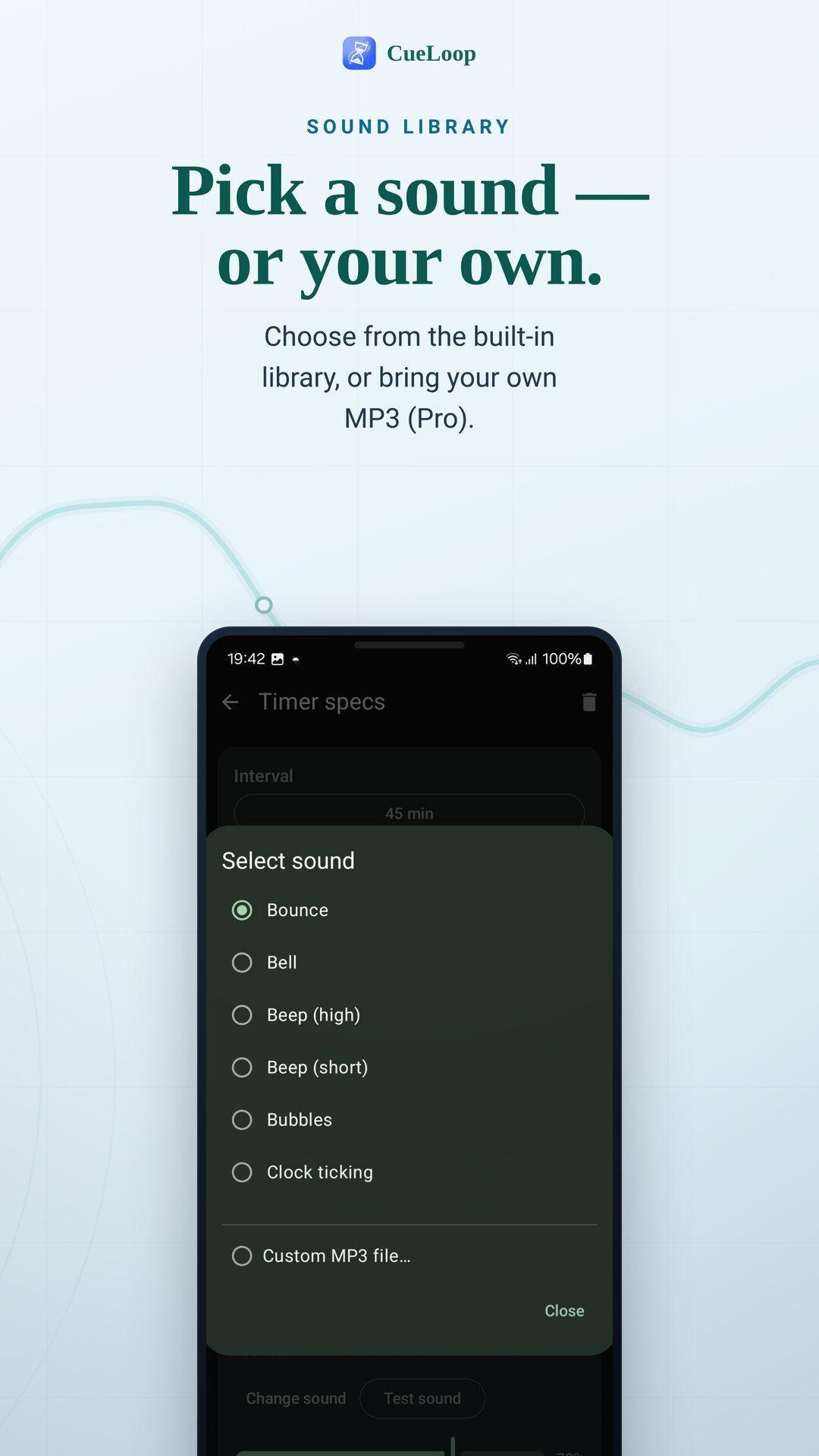
Pick a calm built-in sound — or your own audio file (Pro). Loud enough to catch, gentle enough for the room.
Haptic nudge, silent to others
A discreet vibration for the office, a library or a meeting — feel the cue without making a sound.
A glance, no noise at all
A brief lock-screen flash for when sound and buzz are both off — perfect at a quiet desk.
Calm, reliable, and yours
On time, every time
Exact alarms plus a foreground service keep cues close to schedule instead of drifting.
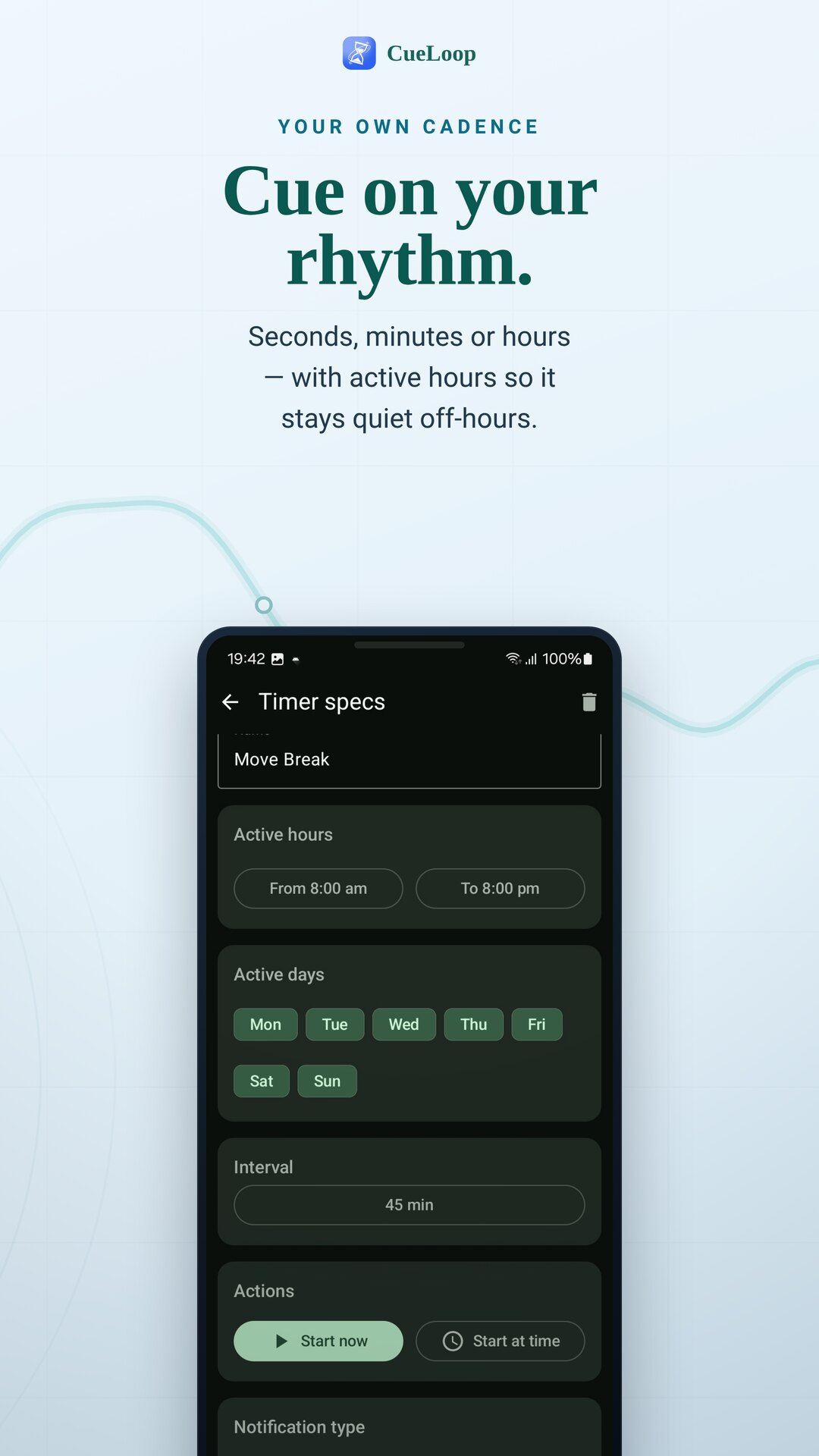
Your own cadence
Cue every few seconds, minutes or hours — and set active hours so it stays quiet off the clock.
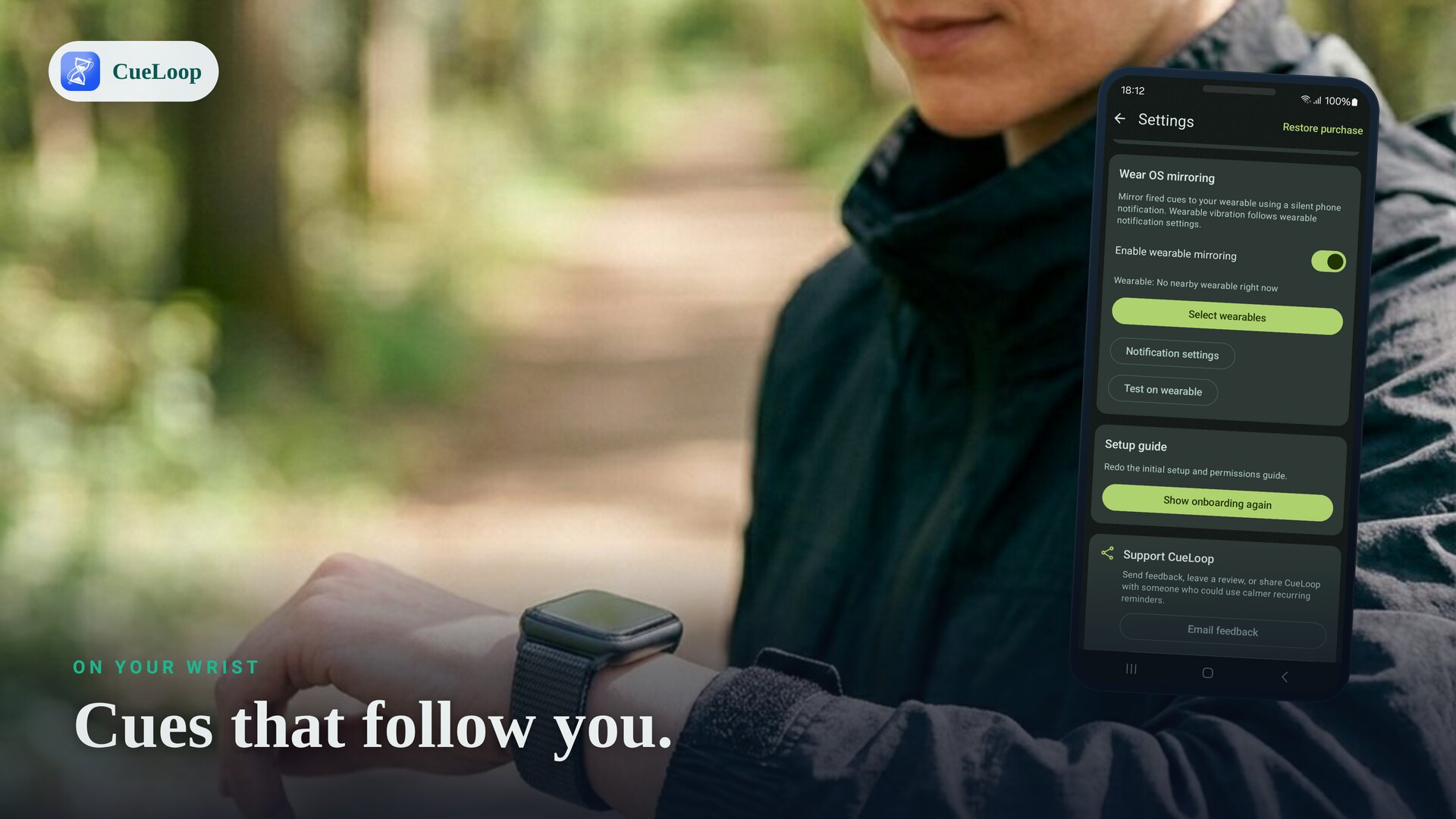
On your wrist
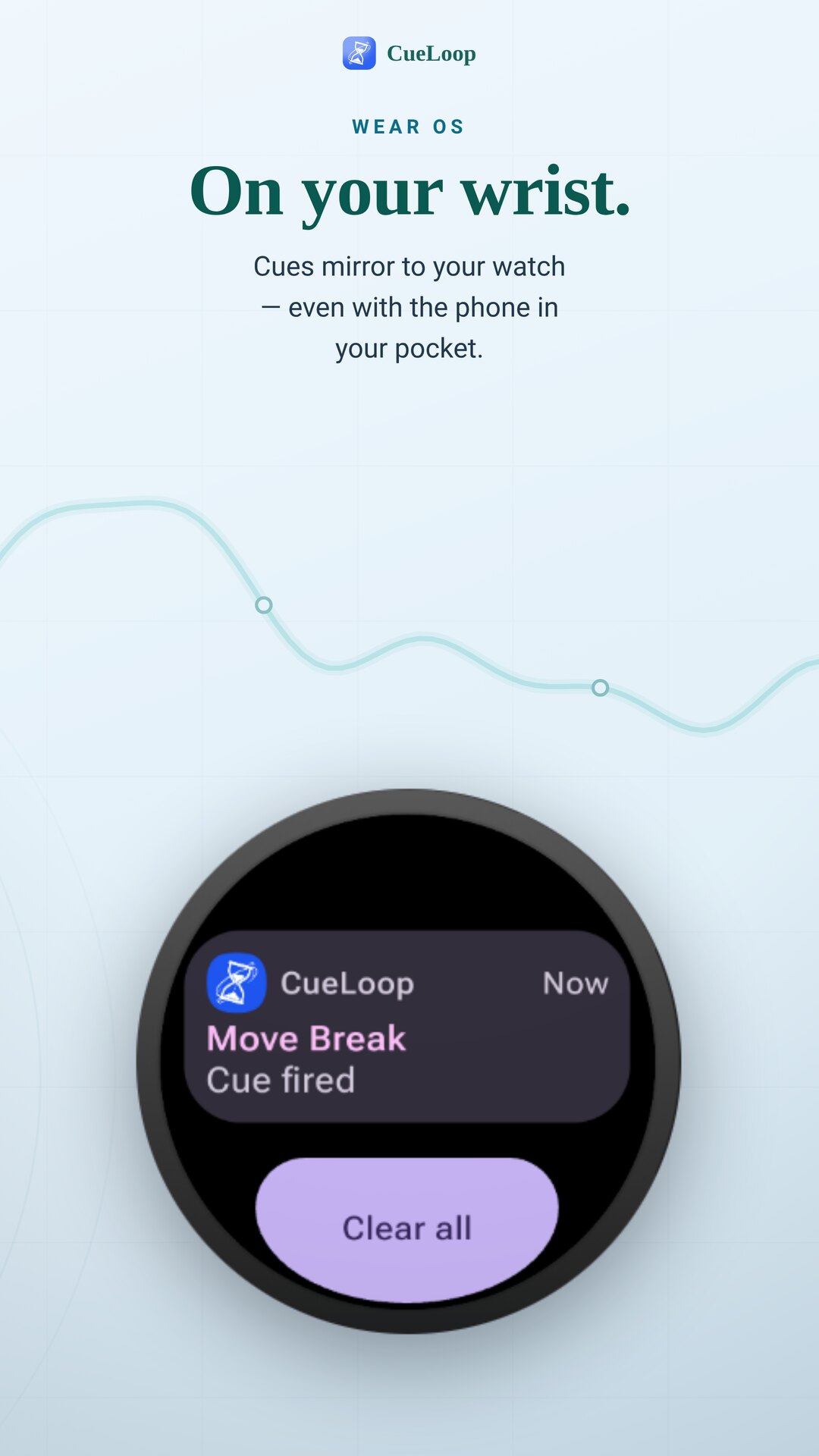
Cues mirror to a Wear OS watch (Pixel Watch, Galaxy Watch and more) — handy when the phone is in your pocket.
Offline & private
Everything stays on your device. No account, no cloud, no tracking or analytics in the core app.
Make it yours
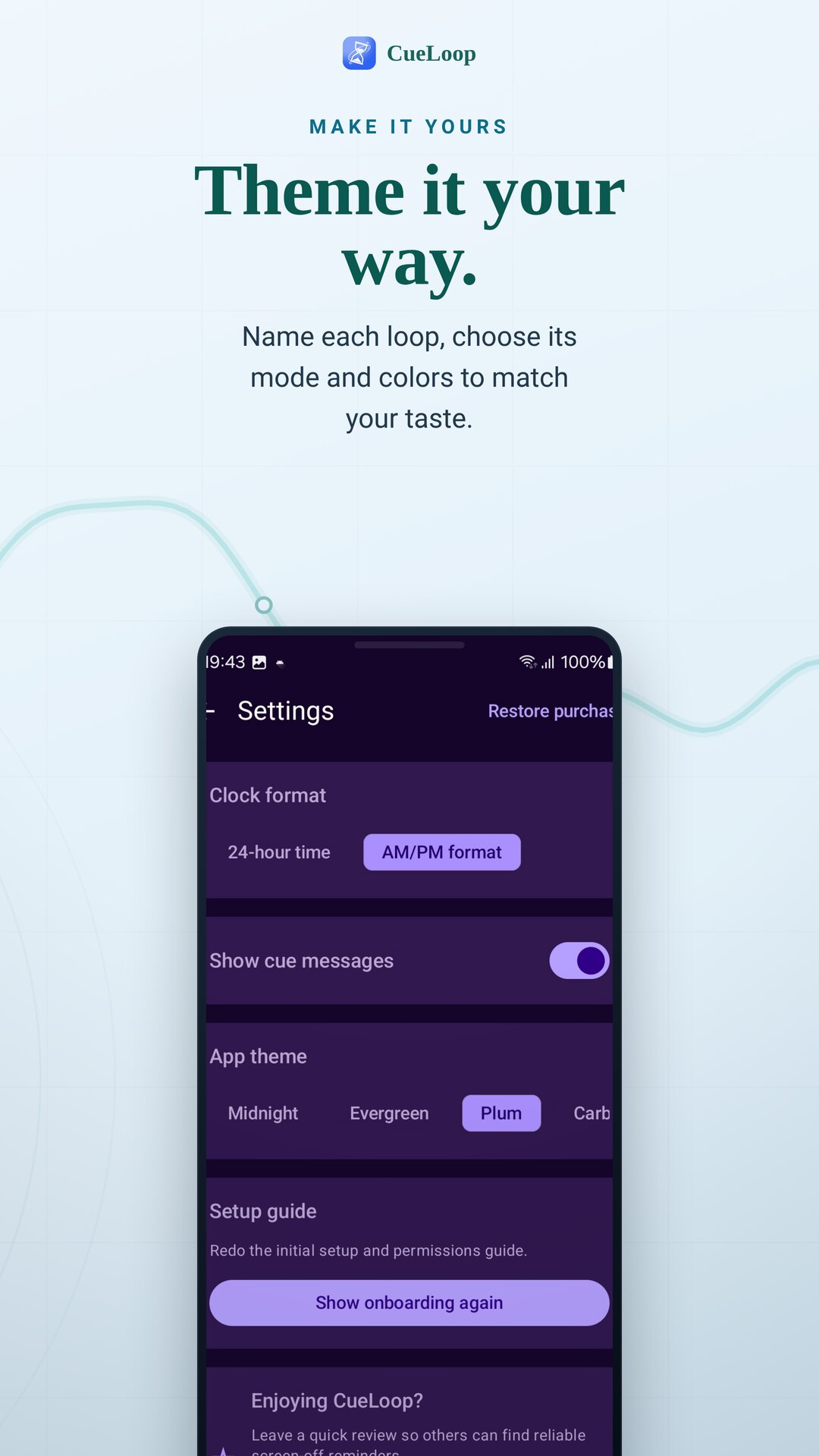
Name each cue loop, choose its mode and sound, and theme the app to your taste.
Fast setup
Wheel pickers, an instant Test button and start-now — a working cue in seconds.
Whatever you keep forgetting
Hydration
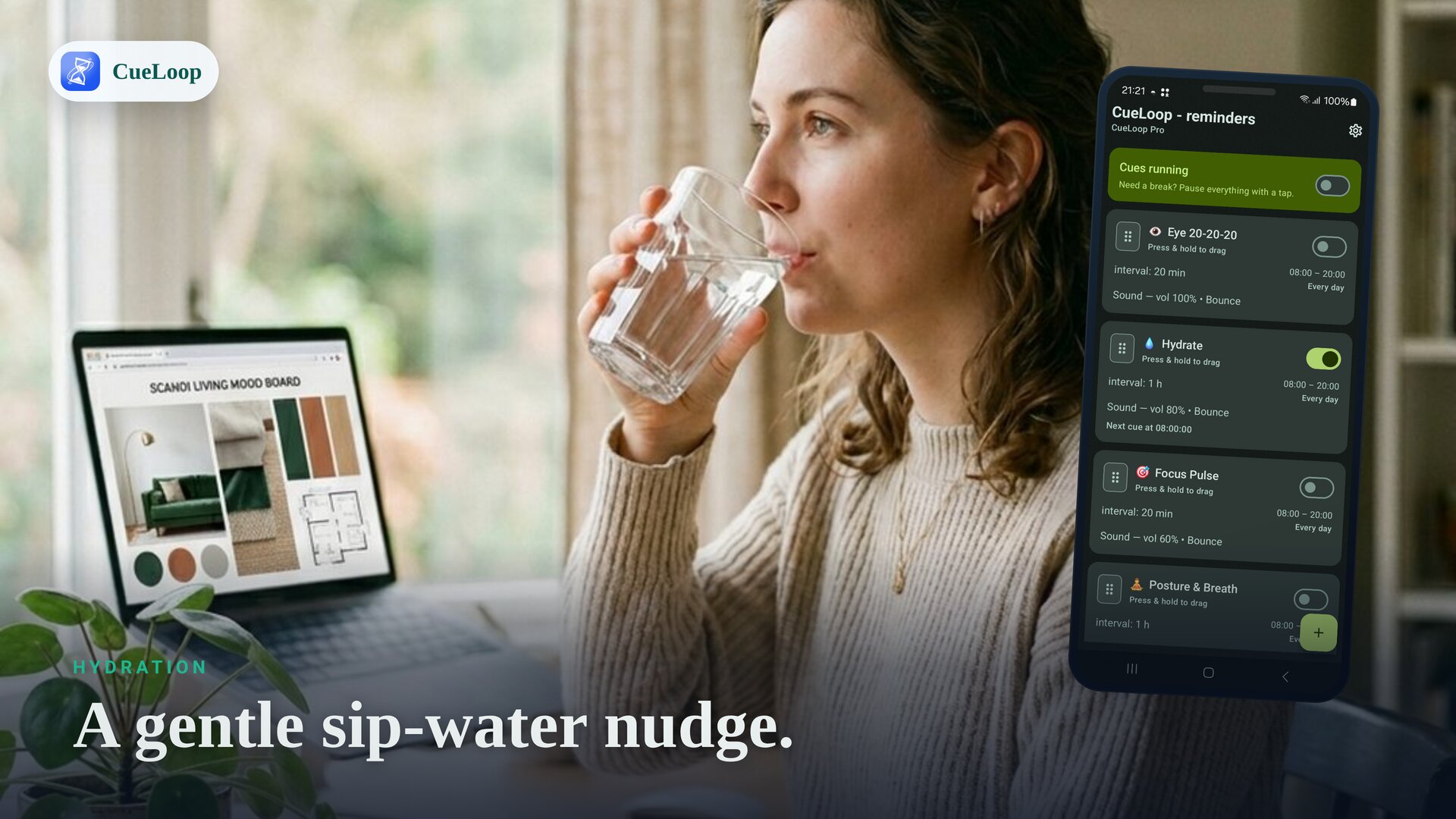
A sip-water nudge at the cadence you choose.
Posture
Sit up and reset your shoulders, gently.
Eye breaks
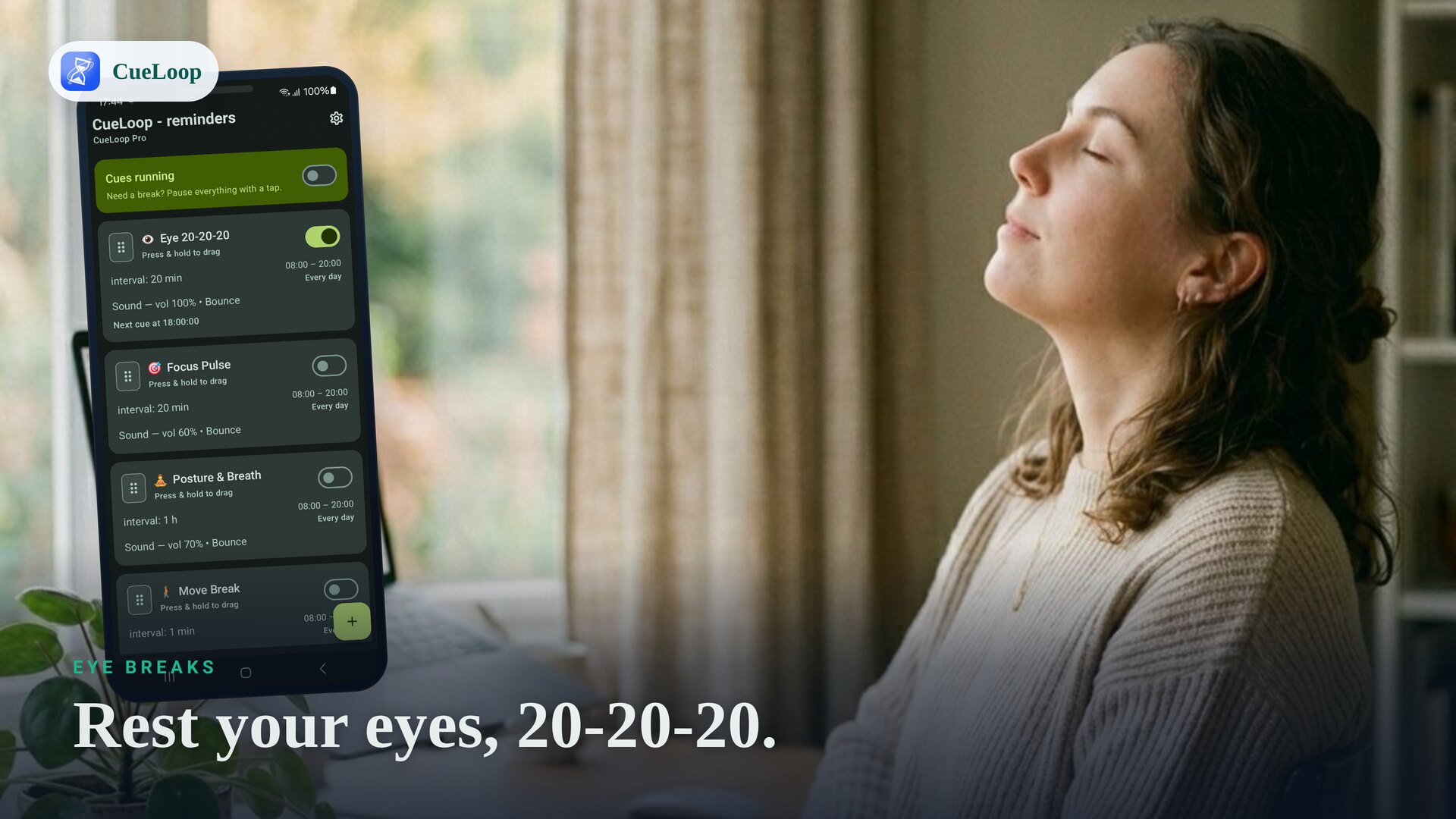
20-20-20 cues to rest your eyes from the screen.
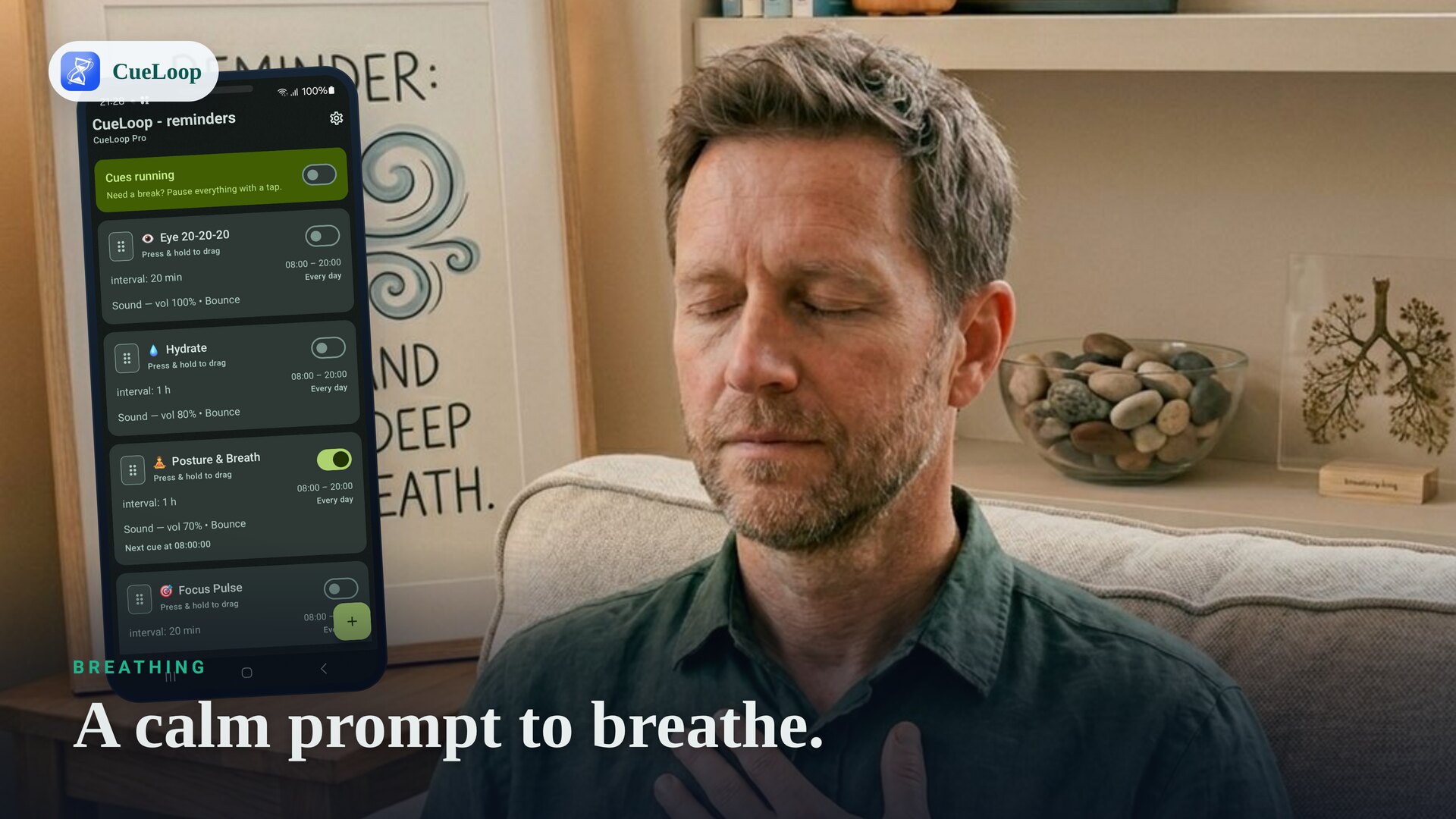
Breathing
A calm prompt to slow down and breathe.
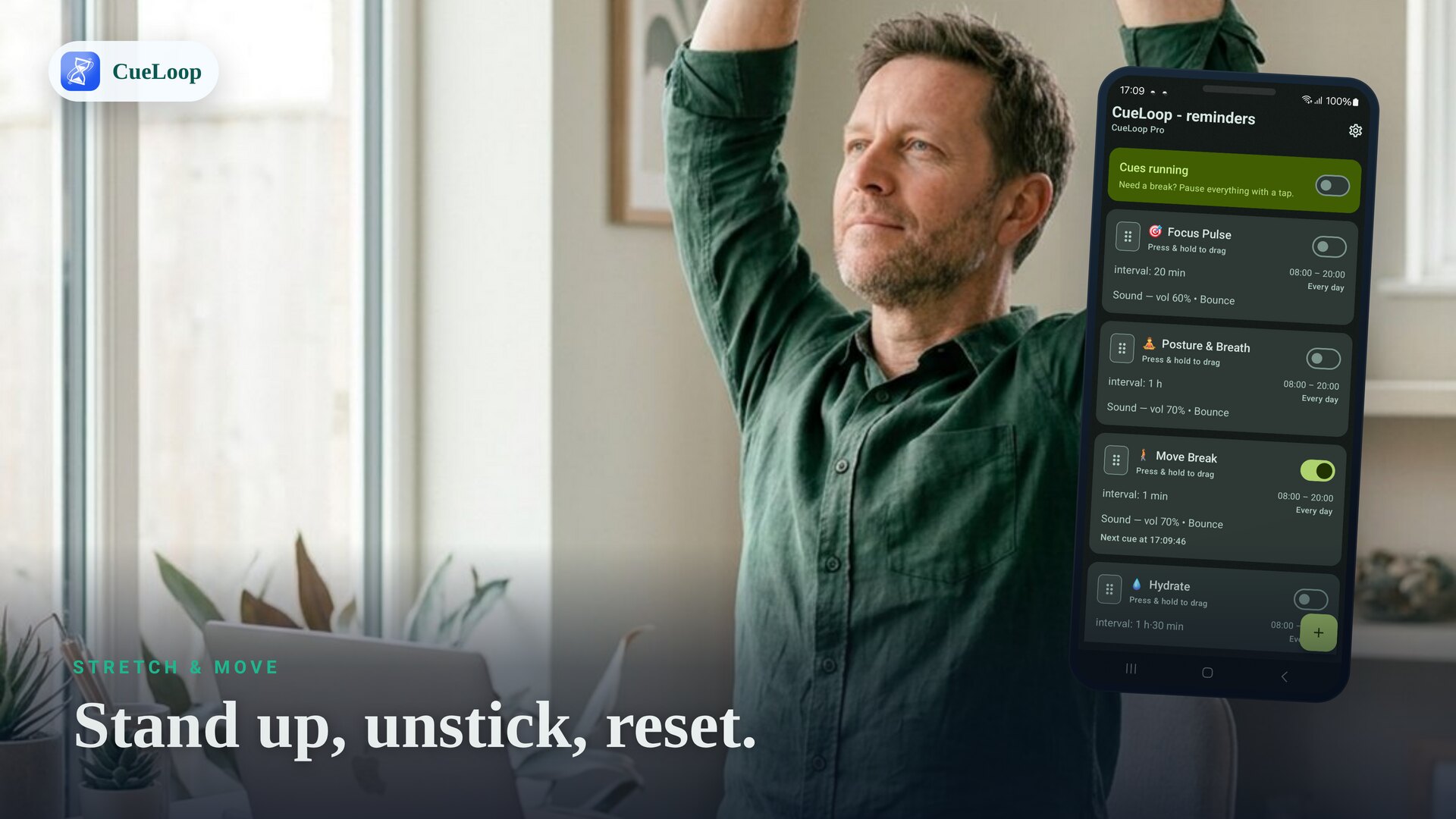
Stretch & move
Microbreaks to stand, stretch and unstick.
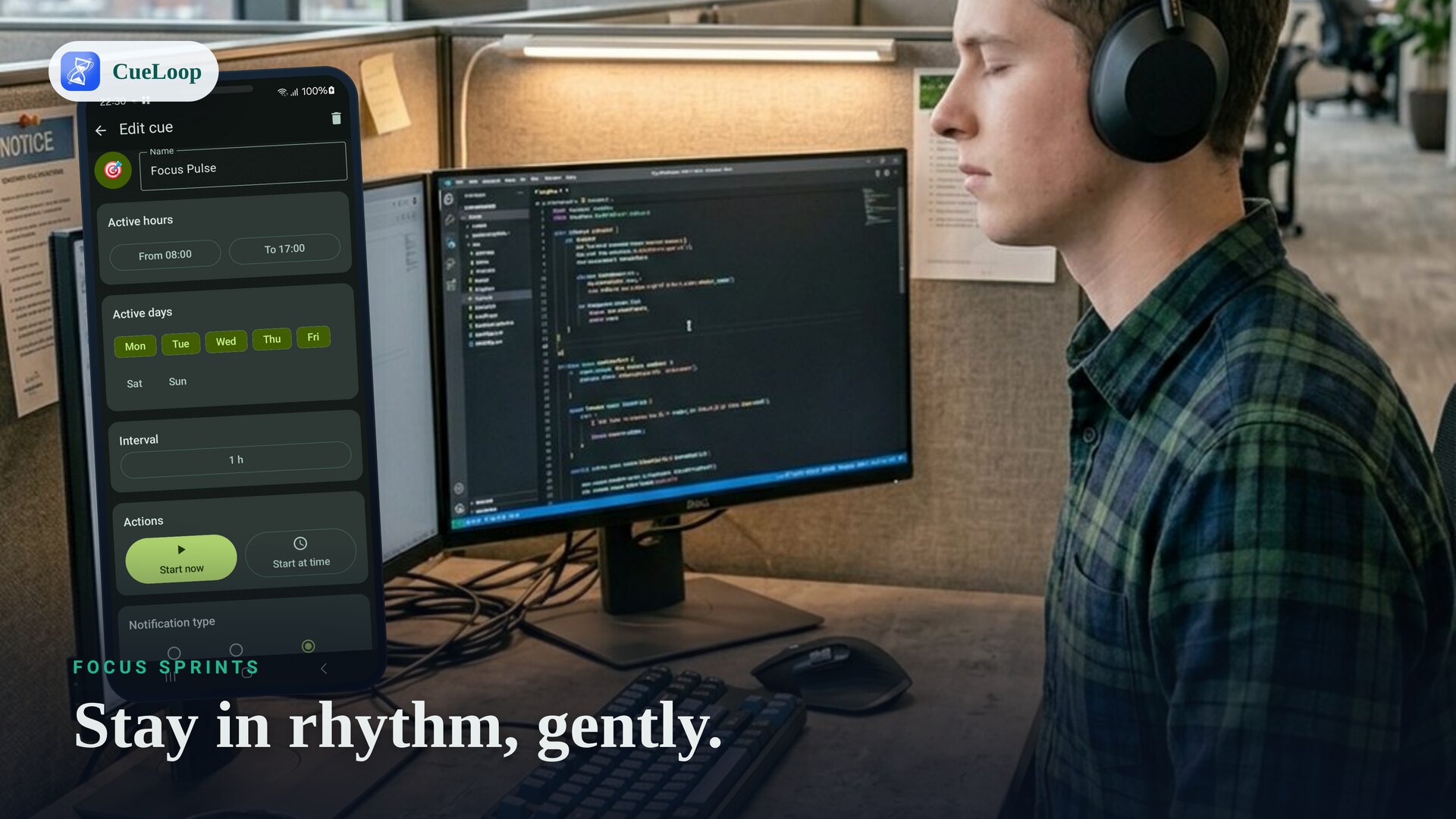
Focus sprints
Gentle work/break rhythm — softer than a strict timer.
Small cues, real moments
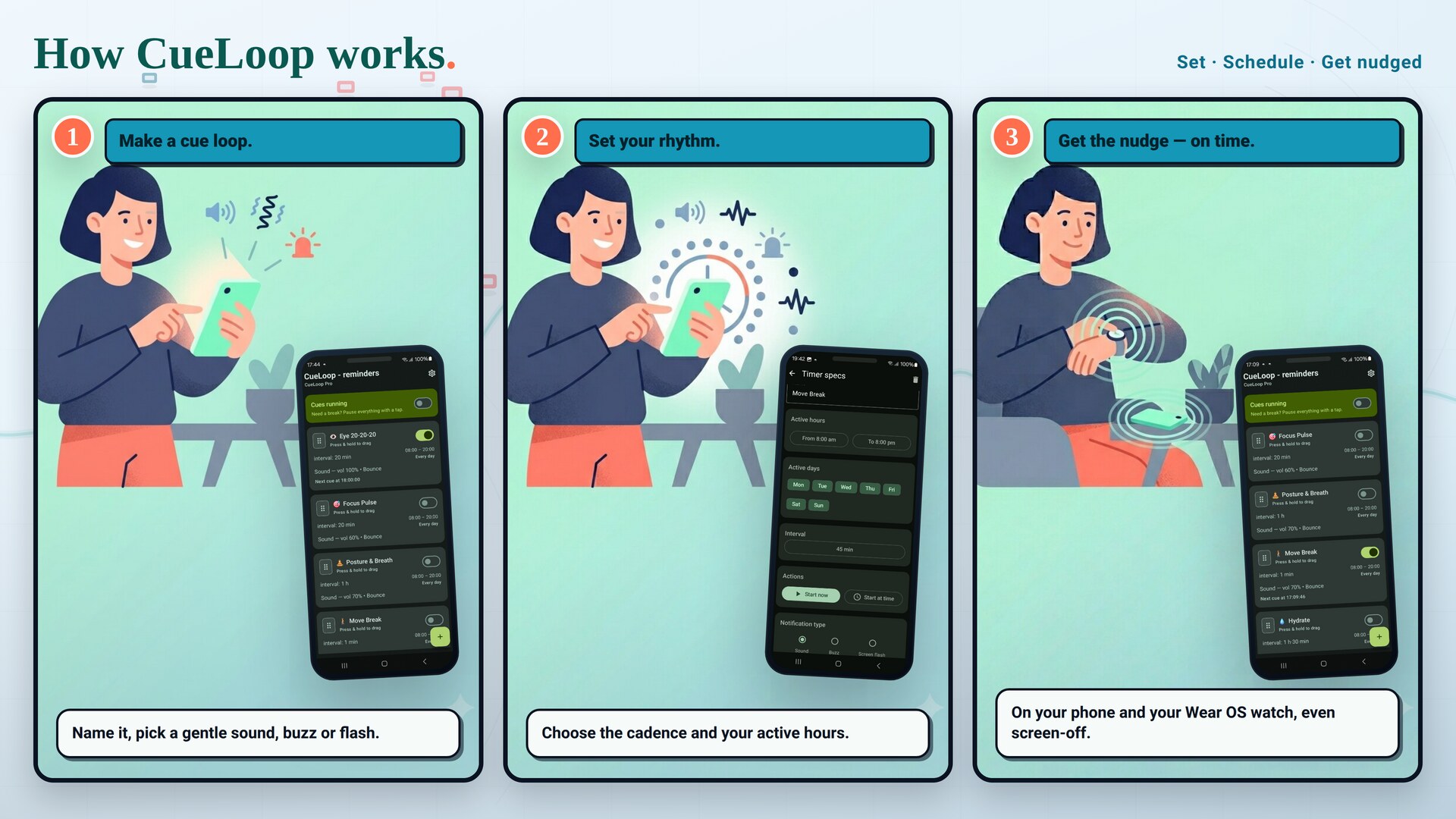
How CueLoop works
Make a cue loop
Name it and pick a mode — gentle sound, soft buzz or screen flash. Built-in sounds, or your own (Pro).
Set your rhythm
Choose the cadence in seconds, minutes or hours, and an active-hours window so it stays quiet off-hours.
Get the nudge
Cues arrive on time on your phone and your Wear OS watch — even with the screen off.
Simple pricing
Use CueLoop free, every day. Go Pro once when you want more — no subscription.
Free
Everything you need to build a gentle reminder routine.
- All core cue features
- One built-in sound + vibration + flash
- Wear OS mirroring
- Weekly Free Day with all Pro features
Pro
A one-time unlock — no subscription, ever.
- Full sound set + custom audio files
- Extra scheduling quality-of-life features
- All future Pro features
- One-time purchase
Frequently asked questions
Is CueLoop a habit tracker?
Not really — CueLoop is a recurring reminder and cue app rather than a streak tracker. It focuses on timely, gentle nudges instead of charts, social feeds or heavy routine planning.
Can it remind me to drink water, fix my posture or take eye breaks?
Yes. Create a cue loop for each habit, set its cadence and active hours, and CueLoop nudges you with a gentle sound, a soft buzz or a screen flash. Hydration, posture and 20-20-20 eye breaks are some of the most popular uses.
Does CueLoop work with Wear OS watches?
Yes. With a Wear OS watch (Pixel Watch, Galaxy Watch and others) your cues can mirror to your wrist as notifications — great when the phone is silent, in your pocket or across the room.
Will the cues arrive on time?
CueLoop uses Android exact alarms and a foreground service so cues stay close to schedule without drifting. Some devices need notifications, exact-alarm permission (Android 12+) or battery-optimization exclusions enabled — CueLoop links you straight to those settings.
Does CueLoop require an account?
No. CueLoop is offline-first. It does not need account creation or cloud sync for its reminder features, and there is no tracking or analytics in the core experience.
Is CueLoop subscription based?
No. CueLoop has a free tier with all core features and a one-time CueLoop Pro unlock that adds the full sound set, custom audio files and extra scheduling features. A Weekly Free Day also unlocks all Pro features one day each week.
Can I use it as a gentler Pomodoro or interval timer?
Yes. Set a focus/break cadence and CueLoop nudges you with a soft cue instead of locking you out or blaring an alarm — a calmer alternative to strict productivity timers.
Build the rhythm, gently
Free to install. A working cue in seconds.