 WebCam
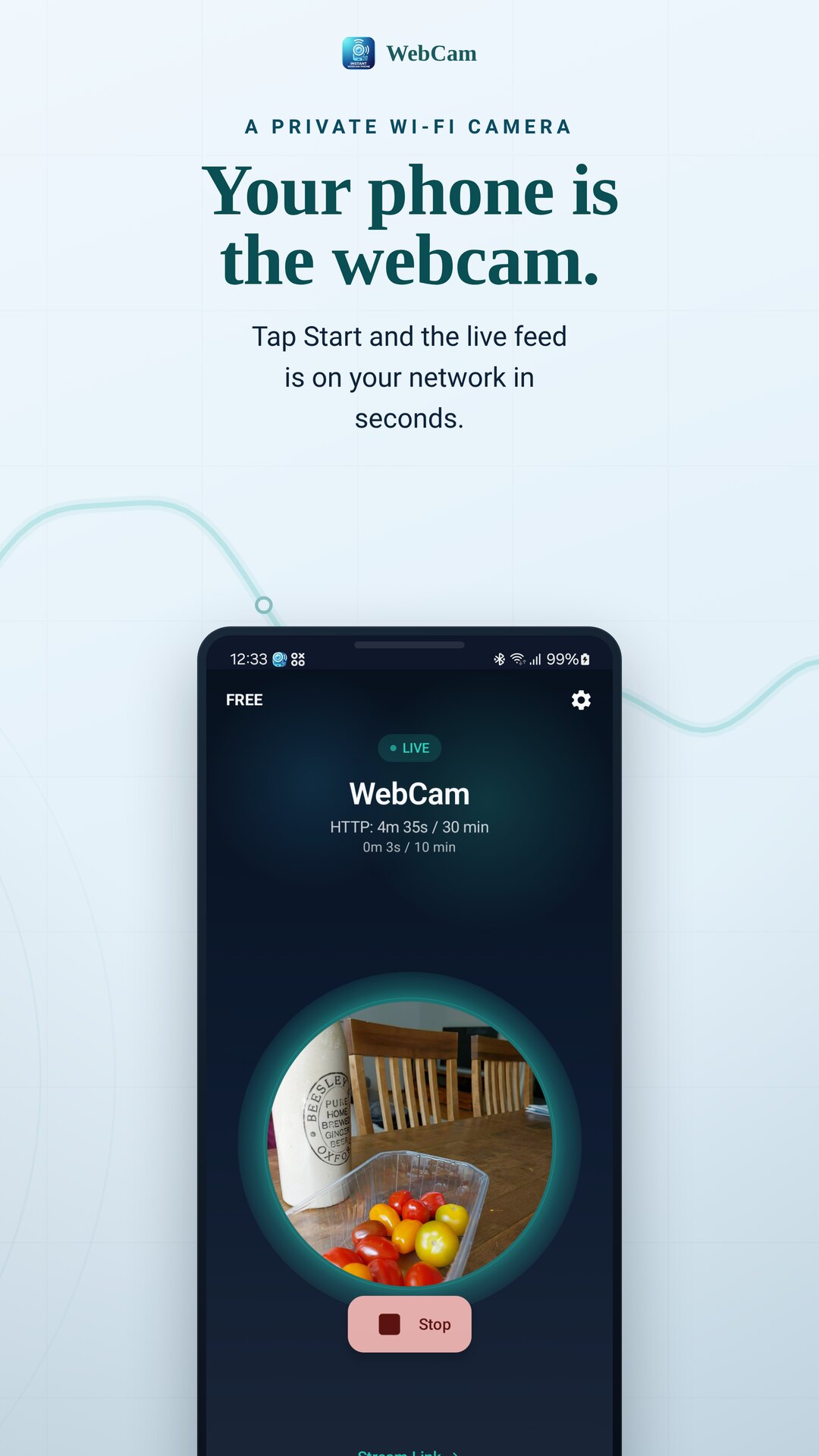
Your phone is the webcam.
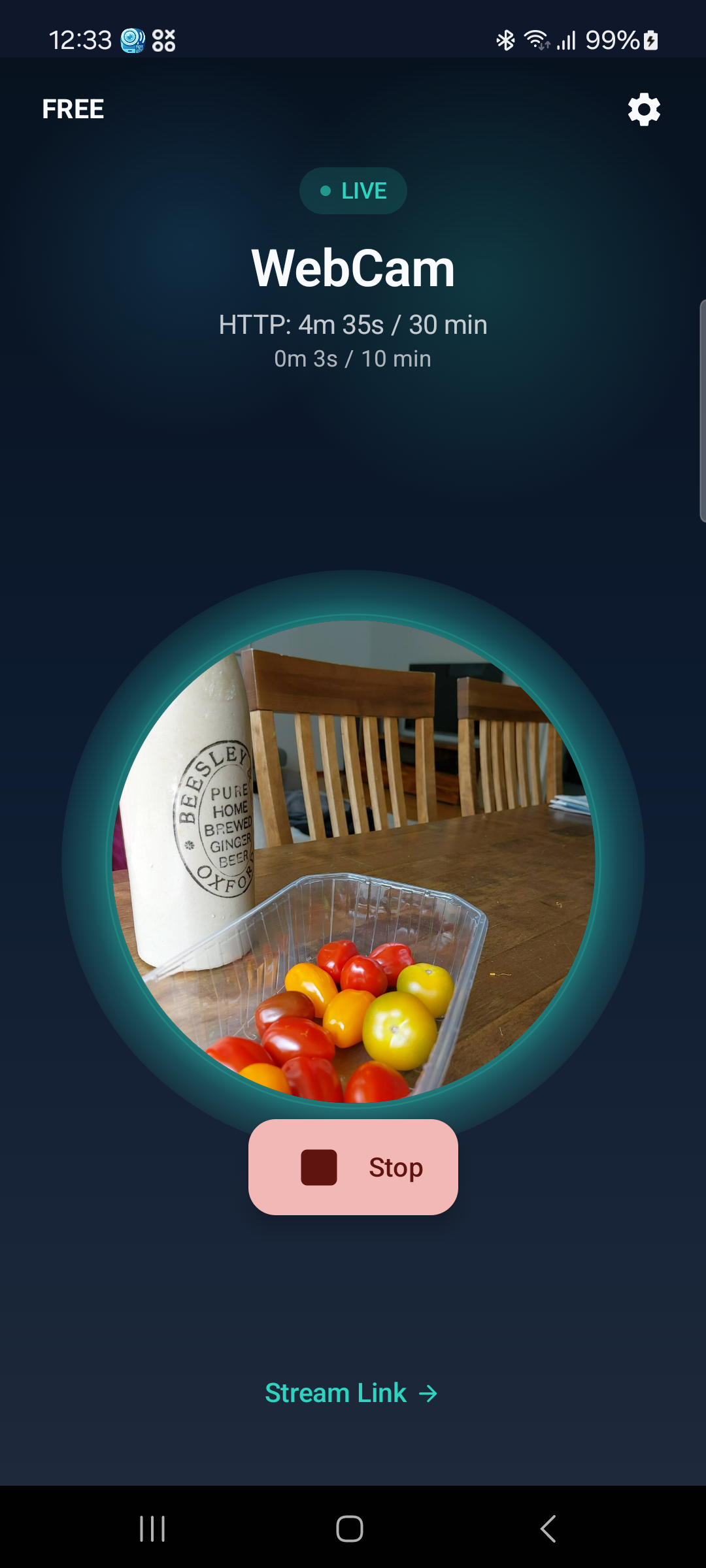
Tap Start and your camera goes live on your Wi-Fi. Open it in any browser, scan the QR code, or paste the RTSP link into VLC or OBS. No account, no cloud — it all stays on your local network.
No sign-up · offline & private · works in any browser
Watch it however you like
No cloud account, no extra app on the other device. Open the feed in a browser, or pull it into the player you already use.
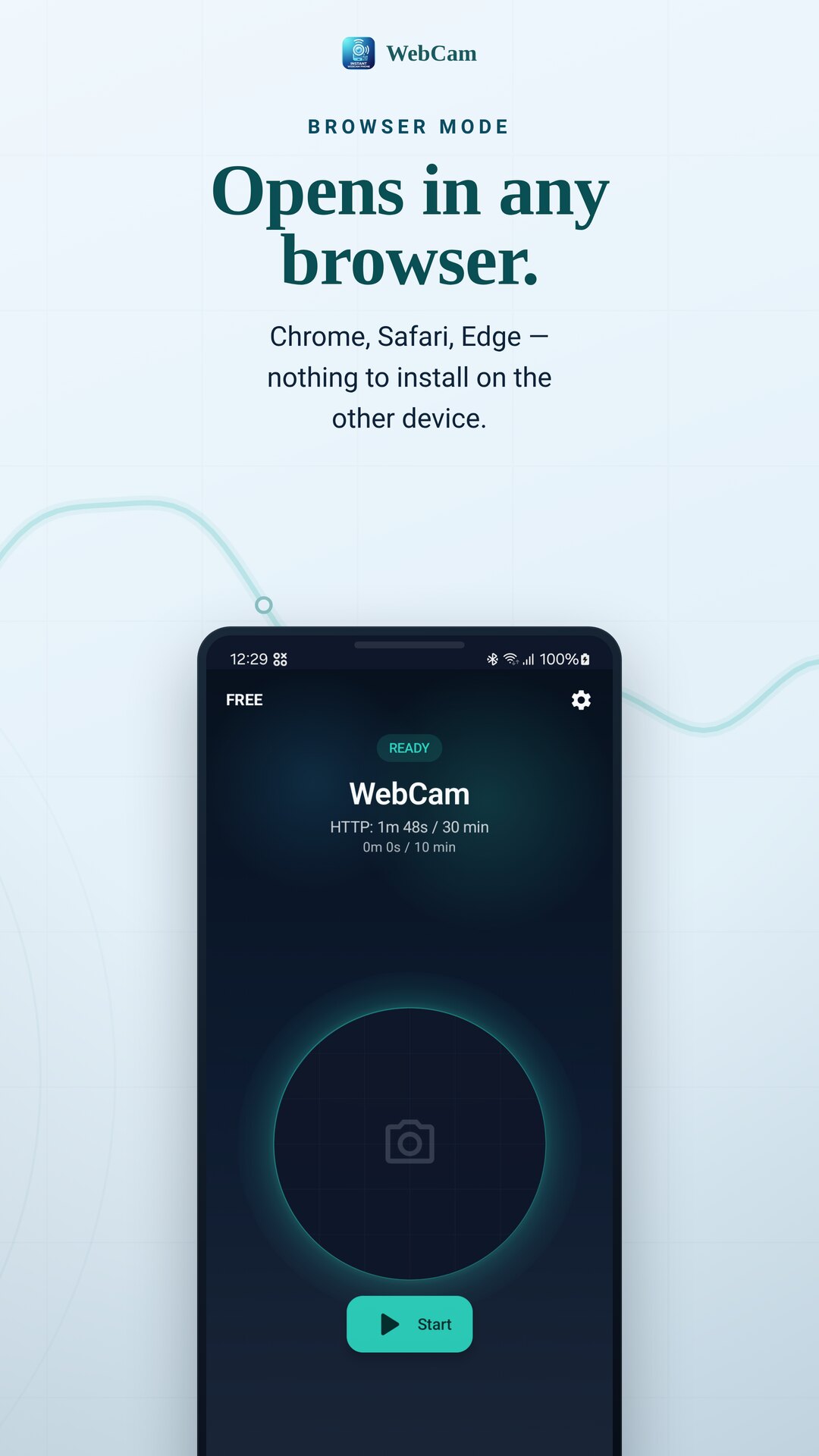
Opens in any browser
Chrome, Safari, Edge — the live feed opens directly on a laptop, tablet or another phone. Nothing to install on the viewing device.
RTSP for VLC & OBS
Paste the RTSP link into VLC, OBS or a media-player app for H.264 video, with optional live audio from the microphone.
A still or a quick share
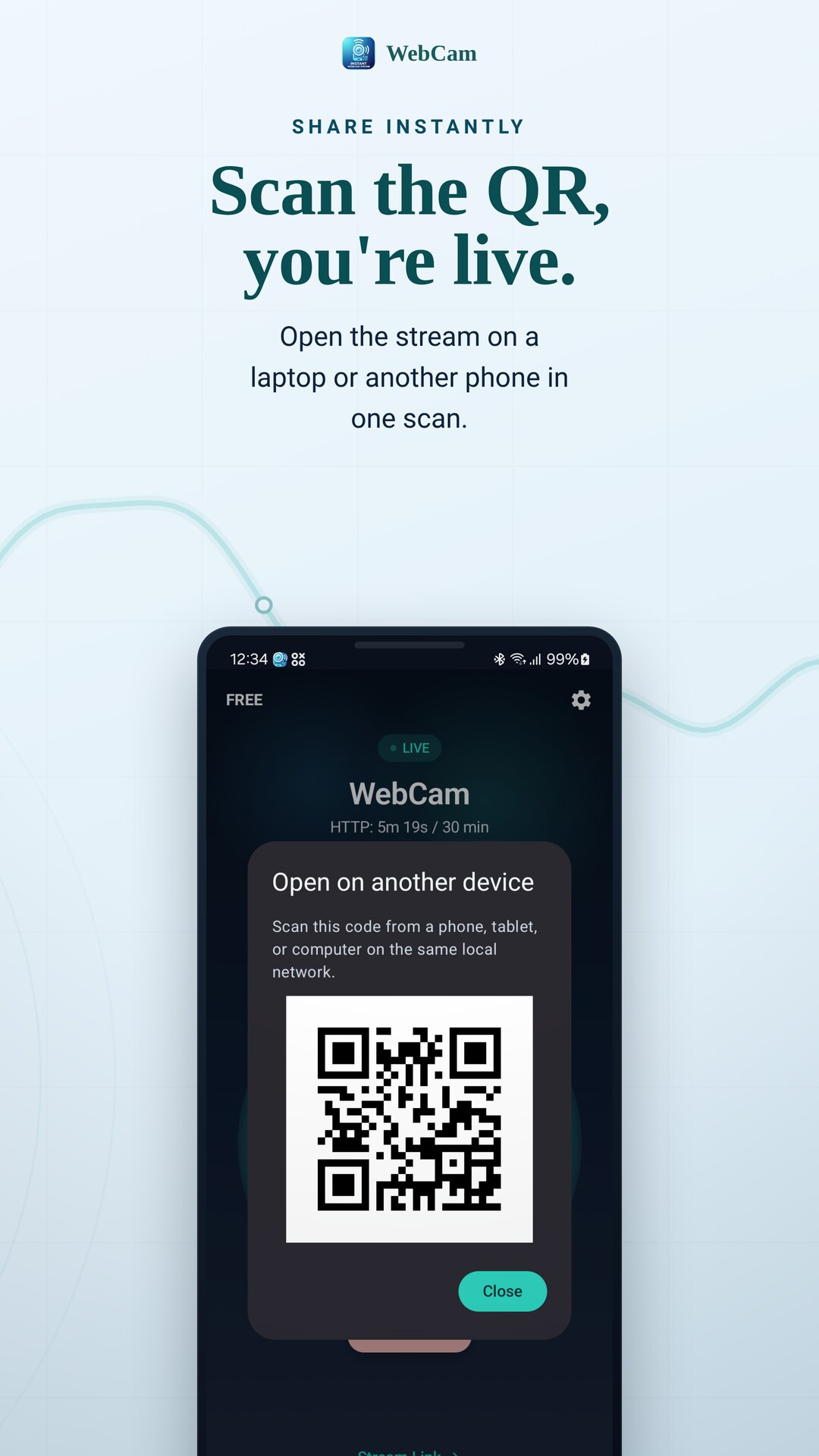
Grab a single JPEG snapshot (with a high-res option), or scan the in-app QR code to open the stream on another device instantly.
Private, flexible, and yours
Offline & private
Streams stay on your local Wi-Fi network. No internet connection is required to view the feed.
No account, no cloud
There is no sign-up and no developer cloud service. Install, tap Start, and stream.
Any browser opens it
Browser mode serves the feed over your network, so the viewing device needs nothing but a web browser.
RTSP for VLC & OBS
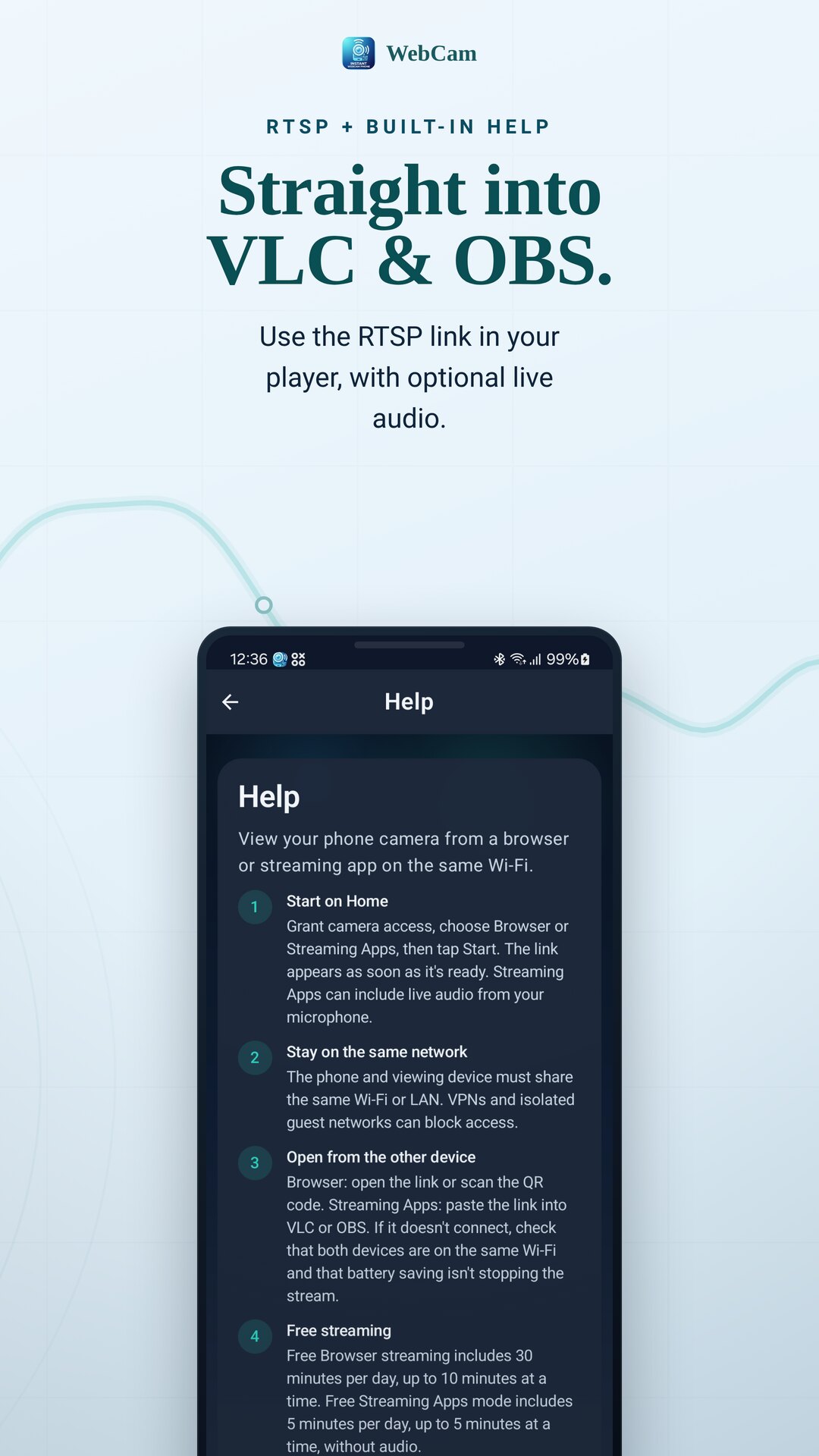
Streaming-apps mode sends H.264 video, with optional live microphone audio, to VLC, OBS and players.
Camera controls
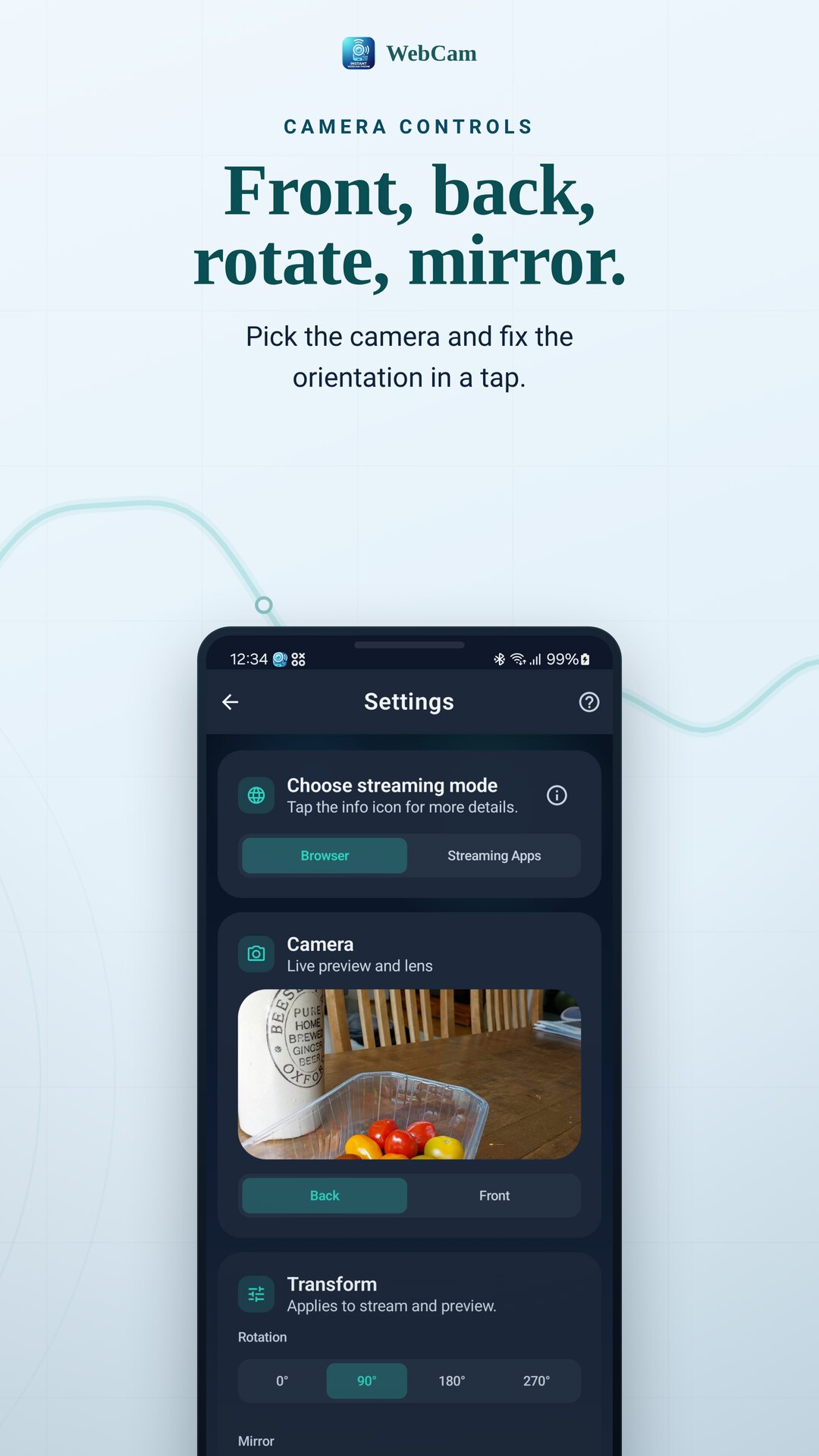
Switch front or back camera, and fix the picture with rotation and mirror controls.
Tune & protect
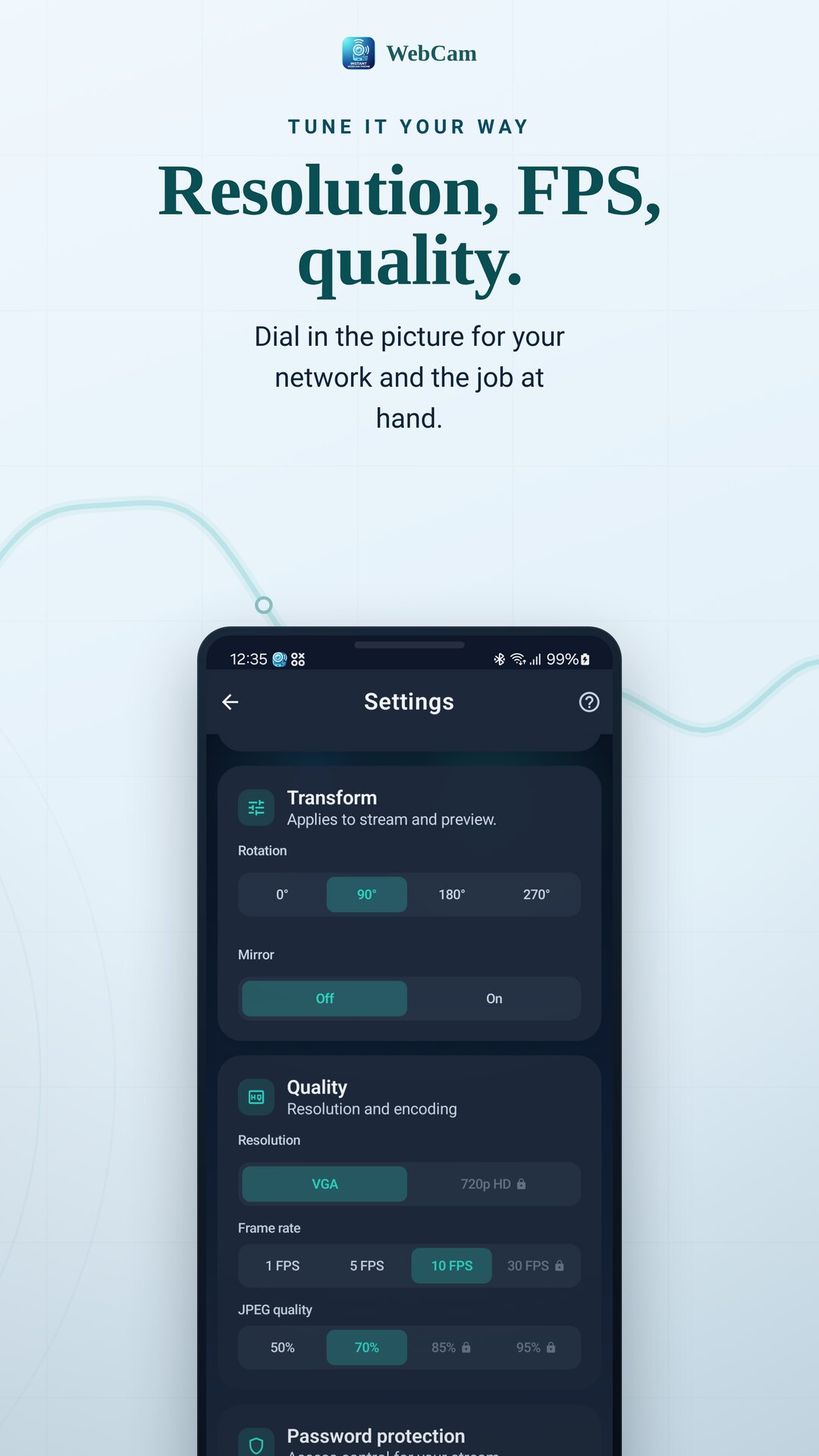
Adjust resolution, frame rate and JPEG quality, and set a password to gate the stream and controls.
What you can use it for
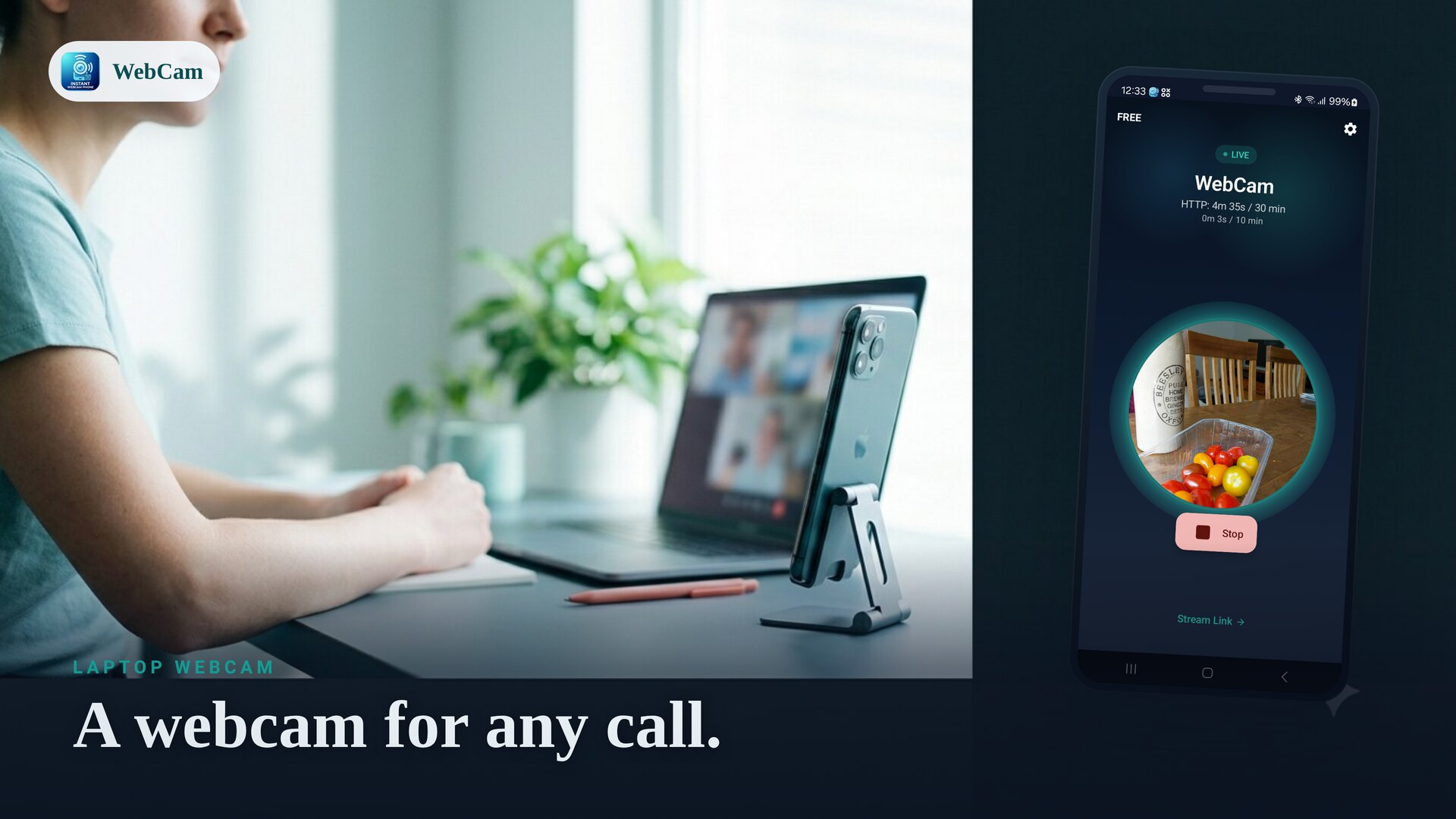
Laptop webcam
A sharp phone camera for video calls and meetings on your computer.
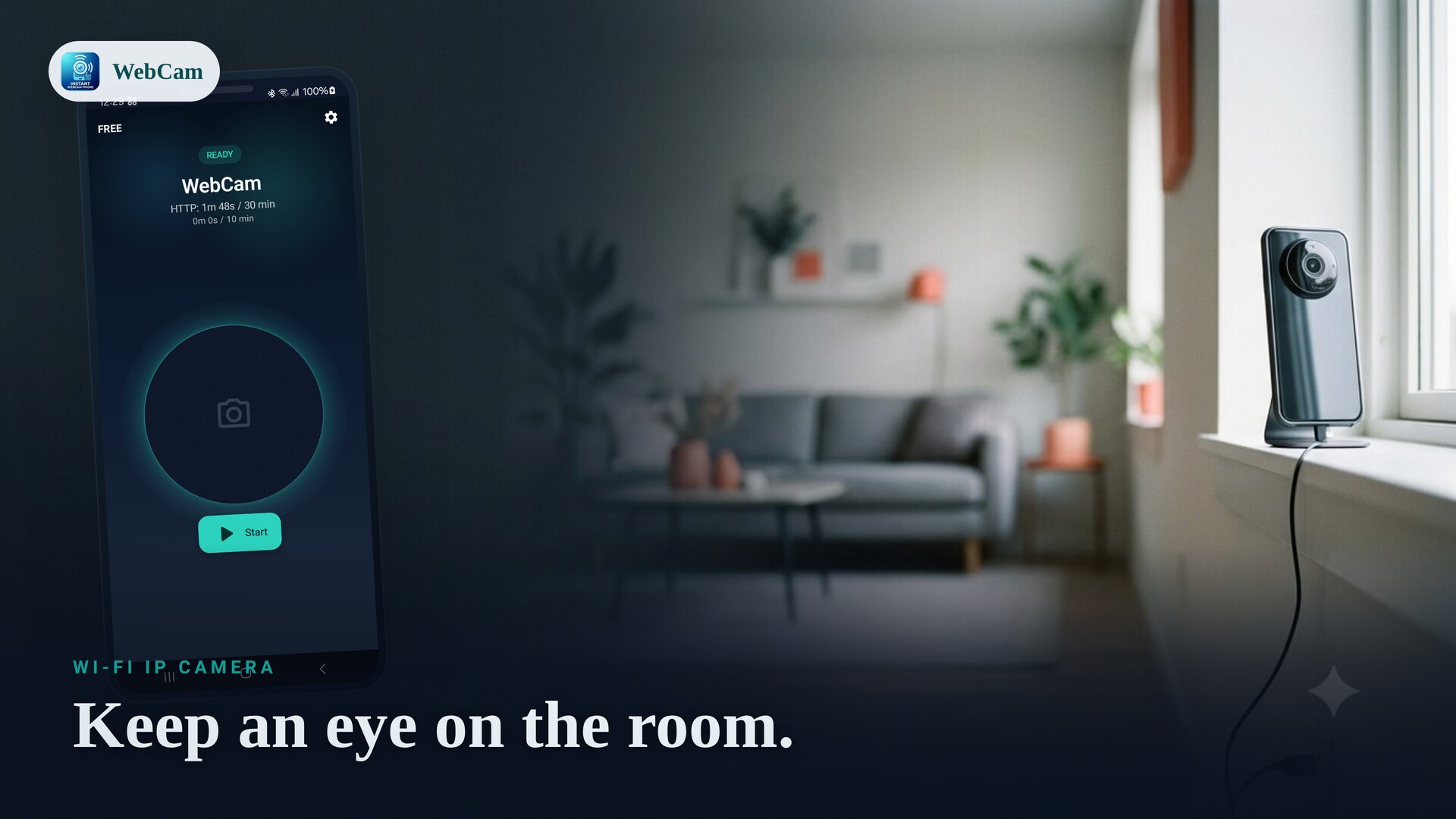
Home & office IP camera
Keep an eye on a room, a doorway or a workshop on your own network.
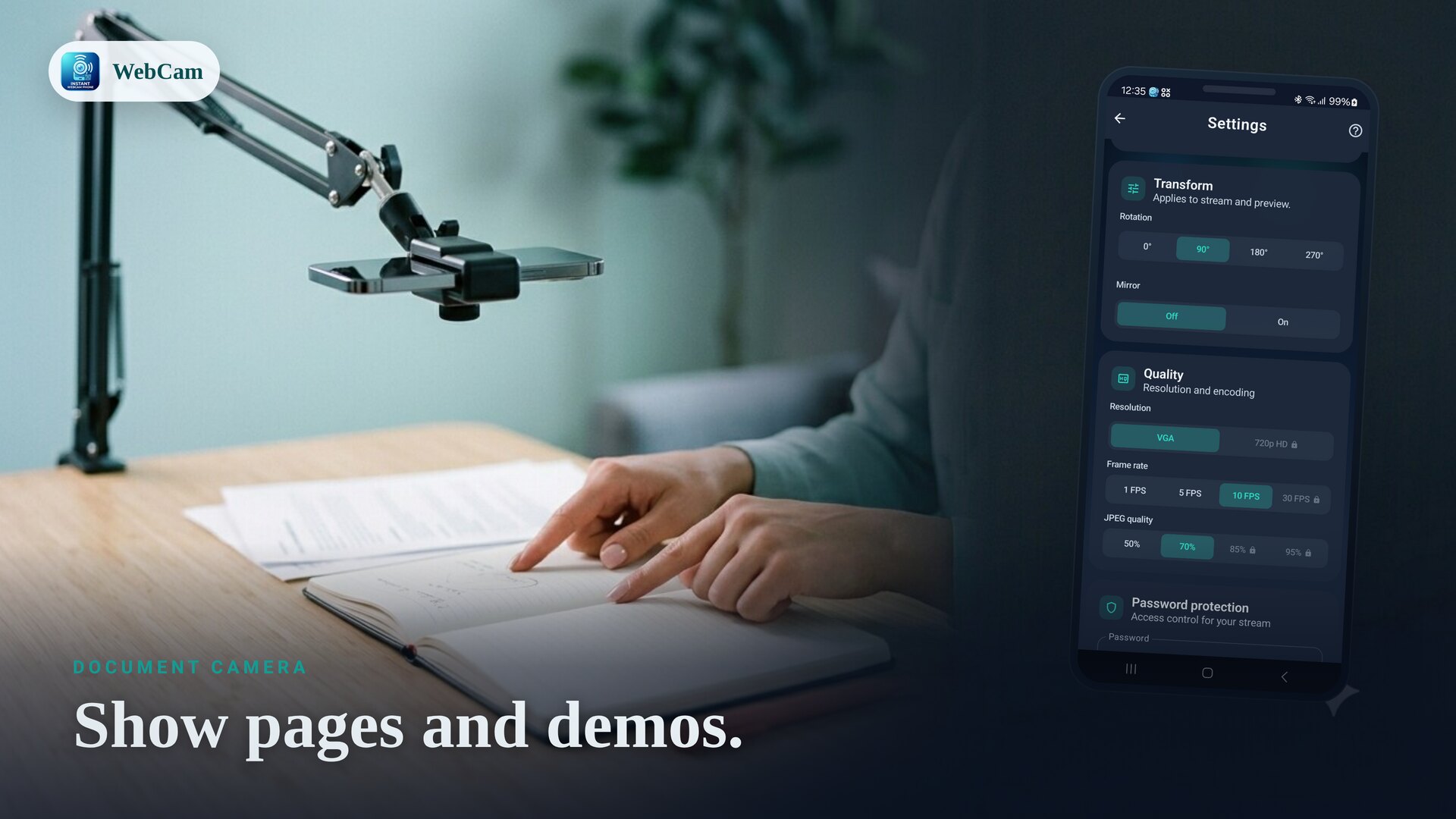
Document camera
Show pages, notes and demos for teaching and remote work.
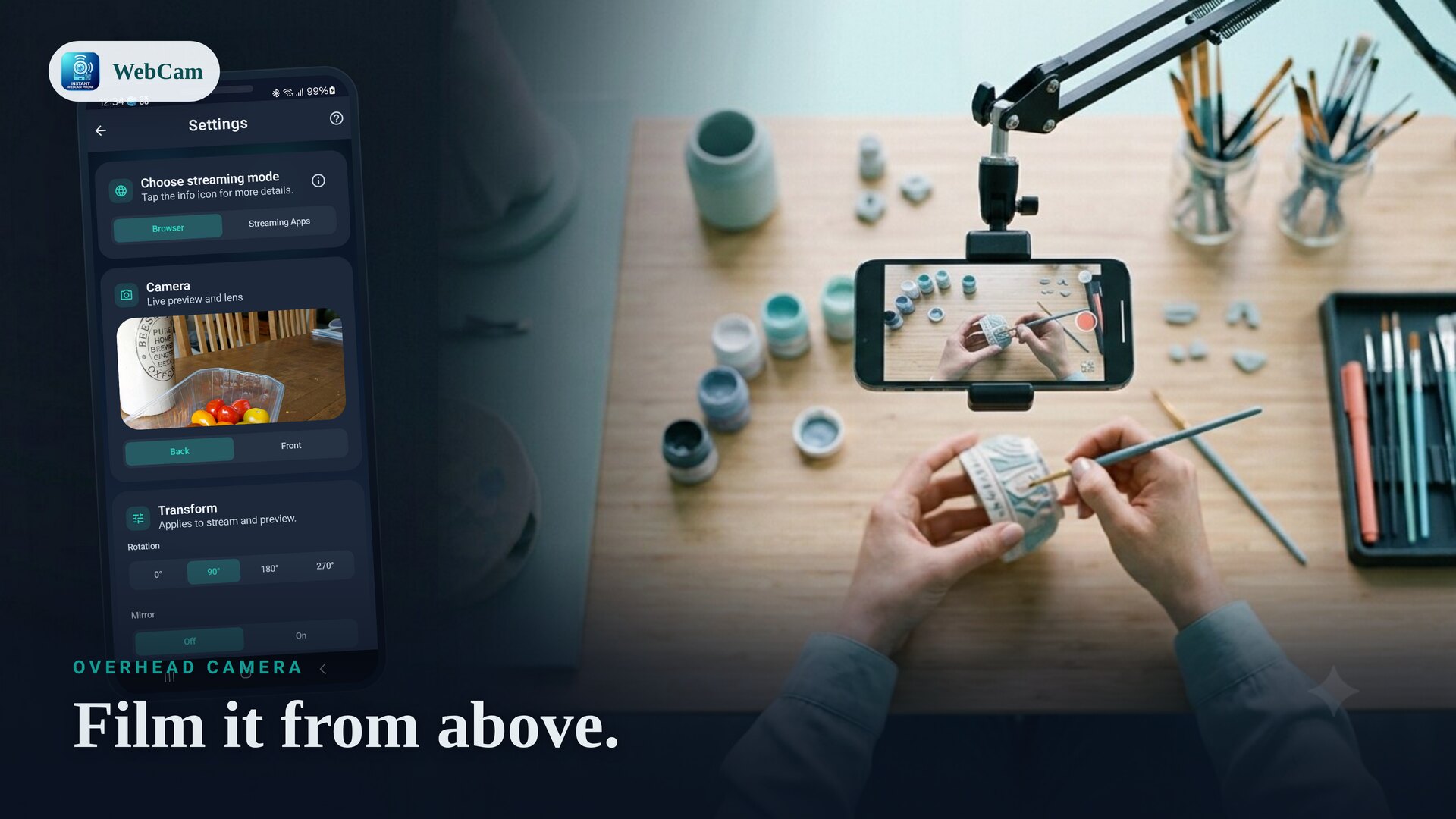
Overhead craft camera
An overhead angle for crafting, repairs and hands-on streams.
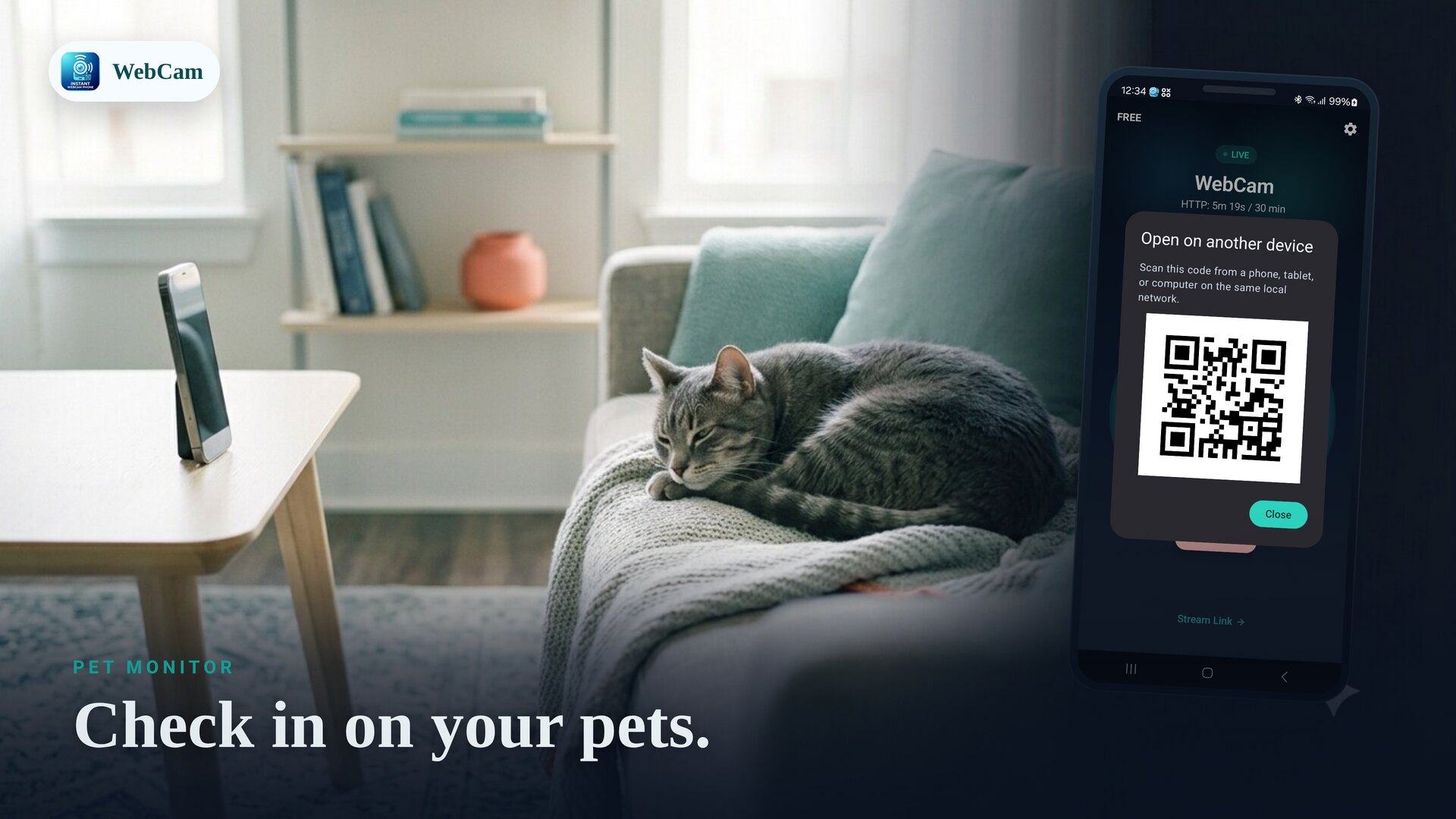
Pet monitor
Check in on pets from another device on the same Wi-Fi.
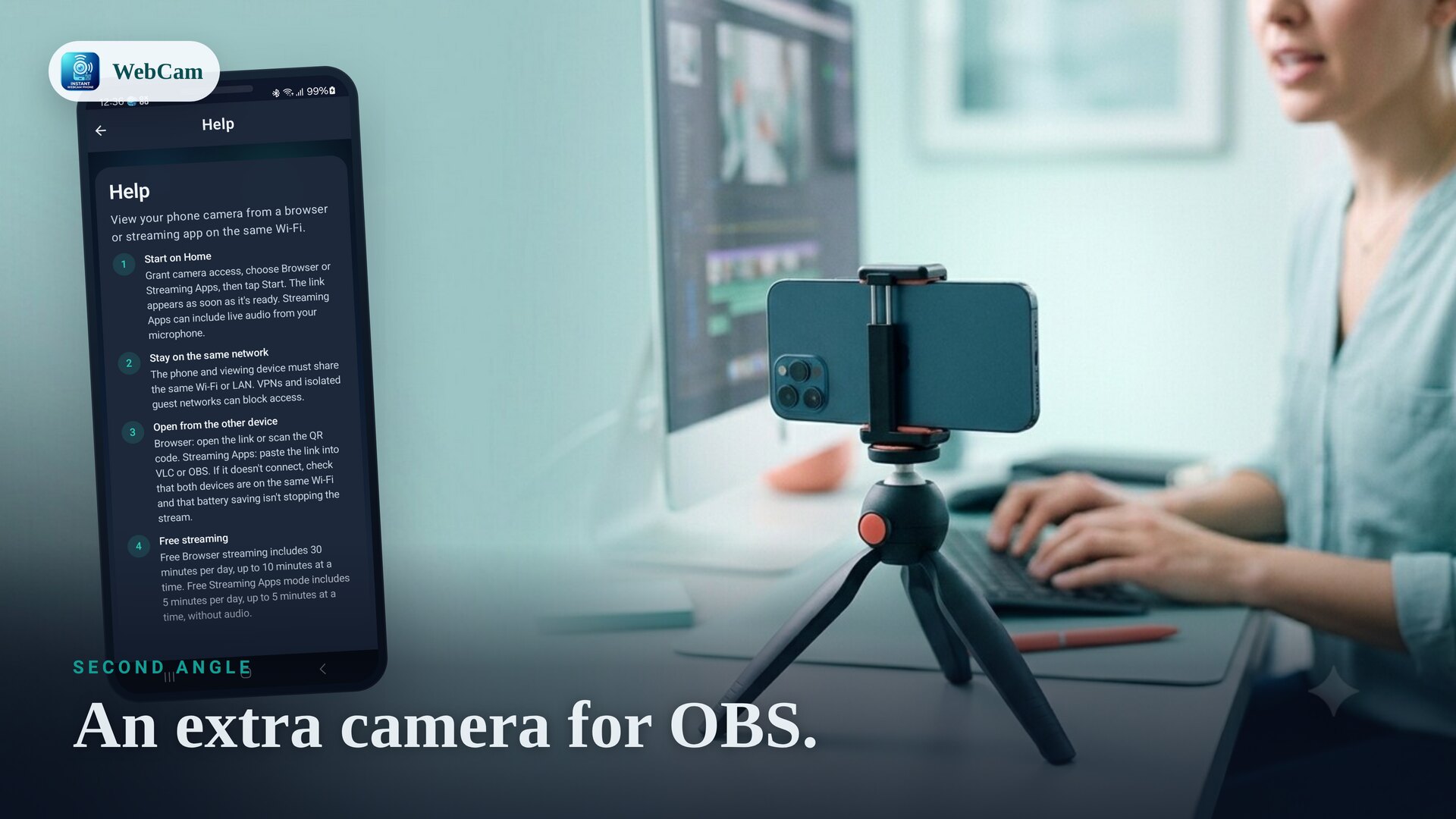
Second-angle camera
Add an extra camera angle for recording, OBS scenes and presentations.
A camera for every corner
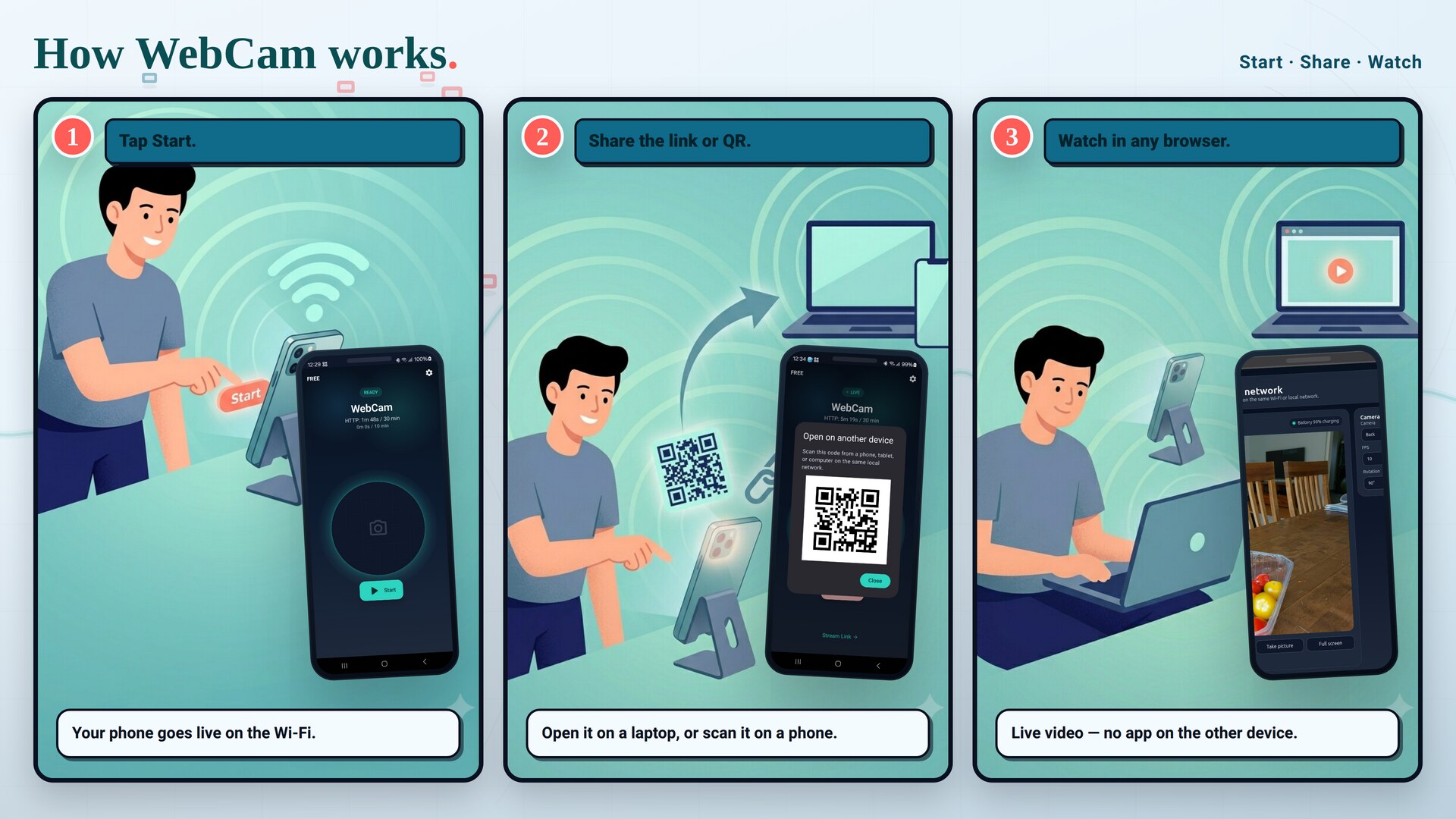
How WebCam works
Start streaming
Open WebCam, choose Browser or Streaming-apps mode, and tap Start. Your camera goes live on the Wi-Fi.
Share the link or QR
Open the shown address in a browser, scan the QR code, or copy the RTSP URL into VLC or OBS.
Watch on your network
The live feed appears on any device on the same Wi-Fi — no cloud, no account, no extra app to install.
Simple pricing
Stream for free right away. Go Pro when you want uninterrupted sessions — pick a subscription or a one-time unlock.
Free
Everything you need to set up and try a Wi-Fi camera.
- Browser and RTSP streaming
- Browser sessions up to 10 minutes (30 min/day)
- RTSP sessions up to 5 minutes
- QR share, snapshots and camera controls
Pro
Removes the free session and daily limits for uninterrupted streaming.
- No session or daily time limits
- Unlimited long-running streams
- Monthly subscription
- Or a one-time permanent unlock
Frequently asked questions
Do I need an internet connection?
No. WebCam streams over your local Wi-Fi or LAN. As long as both devices are on the same network, the live feed works without any internet connection, and the video is not uploaded to a developer cloud.
Do I need to install an app on the viewing device?
No. In Browser mode the stream opens directly in Chrome, Safari, Edge or any browser, so a laptop, tablet or another phone just needs a web browser. For Streaming-apps mode you use a player like VLC or OBS.
Does it work with VLC and OBS?
Yes. Streaming-apps mode provides an RTSP URL with H.264 video and optional microphone audio that you can open in VLC, OBS and other media-player apps — handy for adding a phone as a camera source.
Is the stream private and secure?
The feed stays on your local network and is never sent to a developer-operated cloud. You can also set a password to protect the stream and the browser controls, and use front or back camera as needed.
Can I use the front or back camera, and fix the orientation?
Yes. You can switch between front and back cameras, and use rotation and mirror controls so the picture looks right on the viewing device.
Is WebCam free?
WebCam has a free tier you can use right away, with per-session and daily time limits that are great for trying it and short tasks. WebCam Pro removes those limits for uninterrupted streaming, as a monthly subscription or a one-time permanent unlock.
Your Wi-Fi webcam, instantly
Free to install. A live stream in seconds.