 RemoteMic
Stream your phone's mic to a browser over Wi-Fi
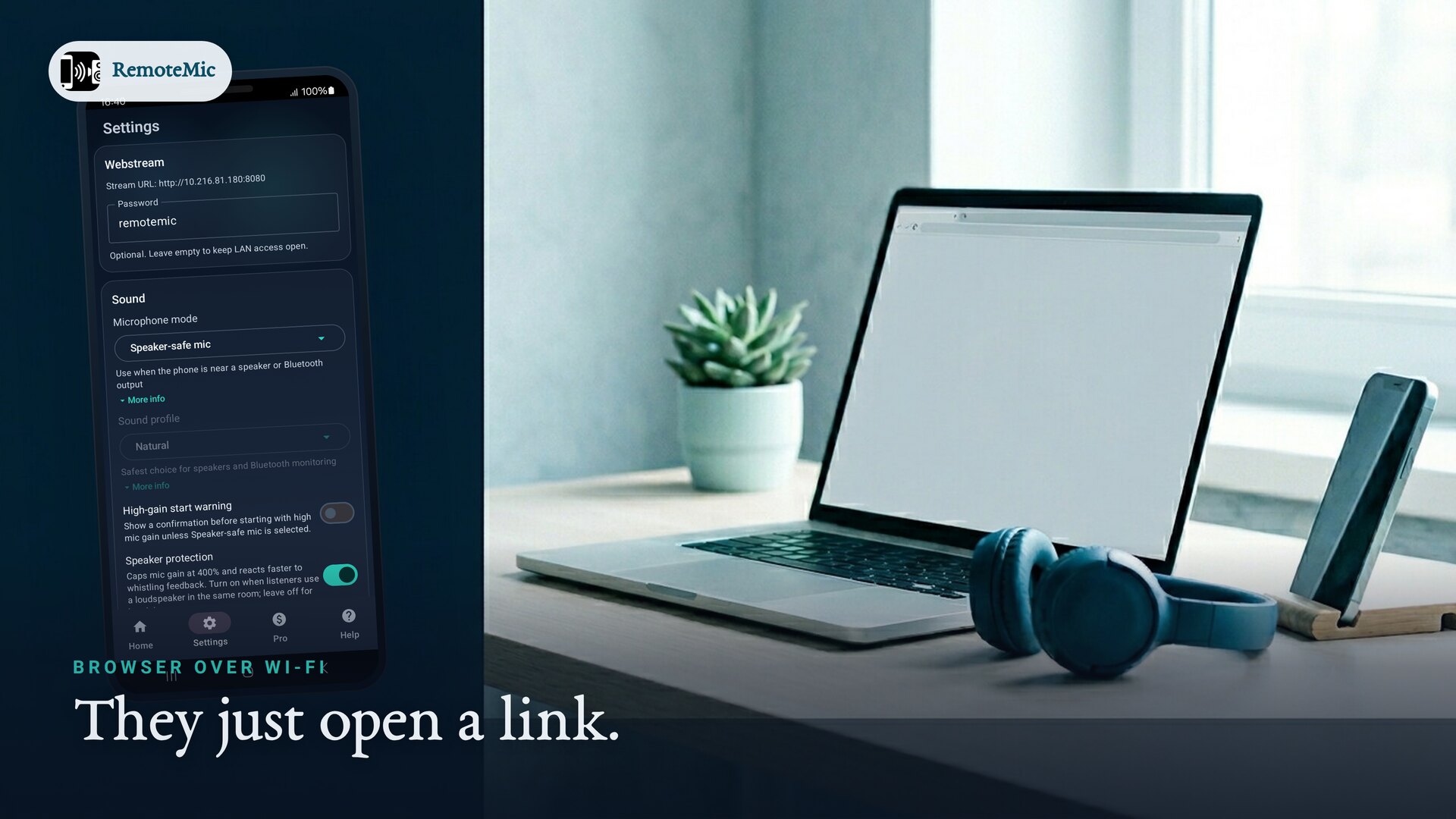
Want to stream your phone's mic to a browser on the same Wi-Fi? RemoteMic turns an Android phone into a live microphone that any computer, tablet or other phone can play just by opening a web link — no app for the listeners, no cables, and no cloud account. Point the phone, open the page, and your voice is there in the browser.
What you need
- An Android phone (Android 11 or newer) with RemoteMic installed — this is the microphone.
- Any device with a modern browser — Chrome, Safari, Edge or Firefox — on the same Wi-Fi.
Step by step
- Start the mic in RemoteMic. The phone begins capturing audio and hosting a local stream on your network.
- Find the listen link. The app shows a web address (and a QR code) for the stream — something on your local network you can open from any browser.
- Open it on the computer. Type the link into the browser on your laptop or desktop, or scan the QR code from another phone. Playback starts in the page.
- Talk. Your voice plays through the computer's speakers or headphones in real time. Adjust gain on the phone if you need more or less level.
Do listeners need to install anything?
No. That is the point — the listening side is just a web page. Anyone you share the link with, on the same network, can listen in their browser with nothing to download. Only the phone runs RemoteMic.
Can more than one device listen?
Yes. Share the same link and every browser on the network can play the stream at once — a laptop, a desktop and a couple of phones together, for example. It is the same mechanism whether one person listens or a roomful does.
How much delay is there?
On ordinary Wi-Fi or hotspot, delay is usually low enough for narration, voice monitoring, assistive listening or feeding audio into a recording or call. Typical mid-range phone and router setups can be around 150 ms, depending on Wi-Fi conditions and audio buffering. Not intended for tight lip-sync to video.
No Wi-Fi network? Use the built-in hotspot
If there is no network to share, RemoteMic can create its own private hotspot. Connect the computer to that hotspot, open the link, and you are streaming with no internet and no router at all.
Handy for
- Using a phone as a PC microphone over Wi-Fi instead of a USB mic.
- Monitoring — hear a room from another device while you set up.
- Group listening — many browsers on one stream, no extra gear.
See how RemoteMic works, or the guide on running a wireless tour-guide system for streaming to a whole group's phones.
Frequently asked questions
Do I need to install anything on the computer?
No. The listening device just opens a web address in any modern browser — Chrome, Safari, Edge or Firefox. Only the phone needs RemoteMic.
How do I open the stream?
RemoteMic shows a link and a QR code. Type the link into a browser on the same Wi-Fi, or scan the QR code, and playback starts.
Can several computers and phones listen together?
Yes. Share the same link; every browser on the network can play the stream at once.
How much delay is there?
Typically well under a second on a local network — fine for narration, monitoring and assistive listening.
Does it need the internet?
No. It works on any local Wi-Fi, and can host its own hotspot when there is no network at all.
Ready to try it?
RemoteMic is free to install. Be heard in seconds.