Private live sharing
Live location sharing without a server-side route history
Sometimes someone needs to know where you are right now: a family road trip, a solo walk, a pickup, a group hike, a rider on the way home. GPS Logger's App Cloud live sharing is designed for that moment without turning your saved route history into a cloud trail.
Quick answer
GPS Logger live sharing sends your current position to admitted followers while sharing is on. It does not store a server-side route history. Your current position is overwritten as you move, removed when you stop, and protected by a resettable share code plus a follower limit you choose.
Why live sharing is different from route history
A saved track is your private record of a route: where you went, when, how far and how fast. Live sharing has a different job: show where you are now. GPS Logger keeps those two ideas separate.
Your saved tracks stay on your device by default. App Cloud live sharing relays the current position only while you choose to broadcast.
What followers can see
Followers with your share code can see your current live position on a map while sharing is active. Their app may rebuild a short local trail from successive updates so movement is readable on their screen, but the App Cloud data model stores the current position, not a history of all positions.
What you control
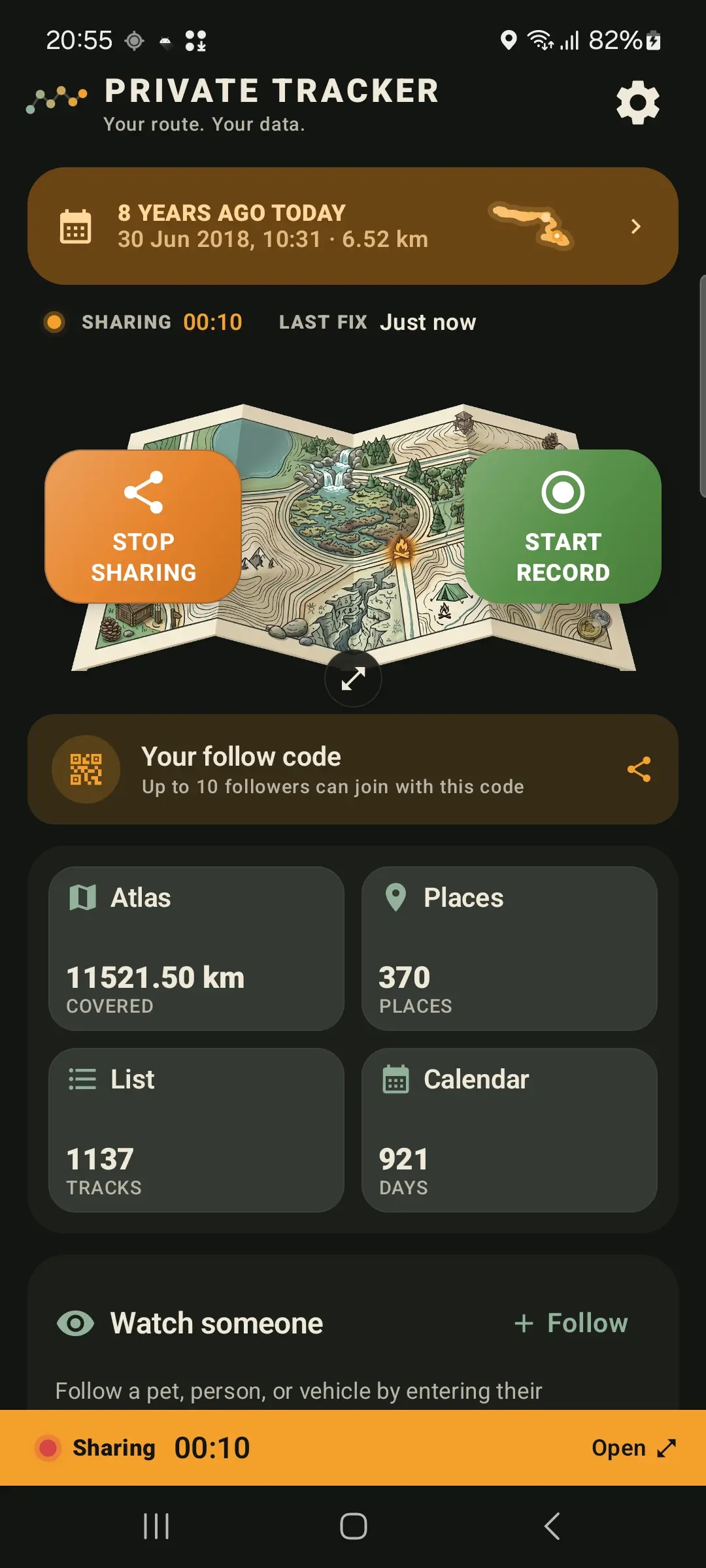
- Start and stop. Live sharing starts only when you turn it on and stops when you stop it.
- Share code. The code is resettable. Resetting deletes the old share record and revokes old followers.
- Follower limit. Choose how many active followers can join: 1, 2, 3, 5, 10 or 20.
- Destination. Use App Cloud for managed sharing. If your app has the self-hosted option enabled, it can push the same current-position JSON to your own HTTPS server.
What happens when sharing stops
Stopping an App Cloud share removes the current live position and transient follower records. If a device disconnects unclearly, stale live positions are cleaned up automatically. The share-code ownership binding remains so another app install cannot take over your current code.
Start in the app
GPS Logger shows live-sharing availability and any current limits before you rely on a longer session. For most people, the important first step is simply testing the share code with someone you trust.
When live sharing is useful
- Letting family follow a road trip arrival
- Sharing progress during a solo walk, hike or ride
- Coordinating a pickup without constant messages
- Letting a group see where the lead walker or rider is
Related guides
- Why offline GPS logging matters for privacy
- How to record a GPS track with the screen off on Android
- How to record and export GPX tracks on Android
- Private Google Timeline alternative for Android route history
FAQ
Does App Cloud store my whole route?
No. It stores current position while sharing is active. Saved tracks remain on your device unless you export them or use another feature that sends data.
Can anyone with my old code keep following?
Not after you reset it. Resetting the share code deletes the old tracker node and revokes existing followers.
Can I choose how many people follow?
Yes. The app lets you choose 1, 2, 3, 5, 10 or 20 active followers.
Can I use my own server?
Yes, with Lifetime. The app can push the same current-position JSON to a HTTPS server URL you configure.