 CueLoop
Silent reminder app — screen flash cues for meetings, classrooms & quiet spaces
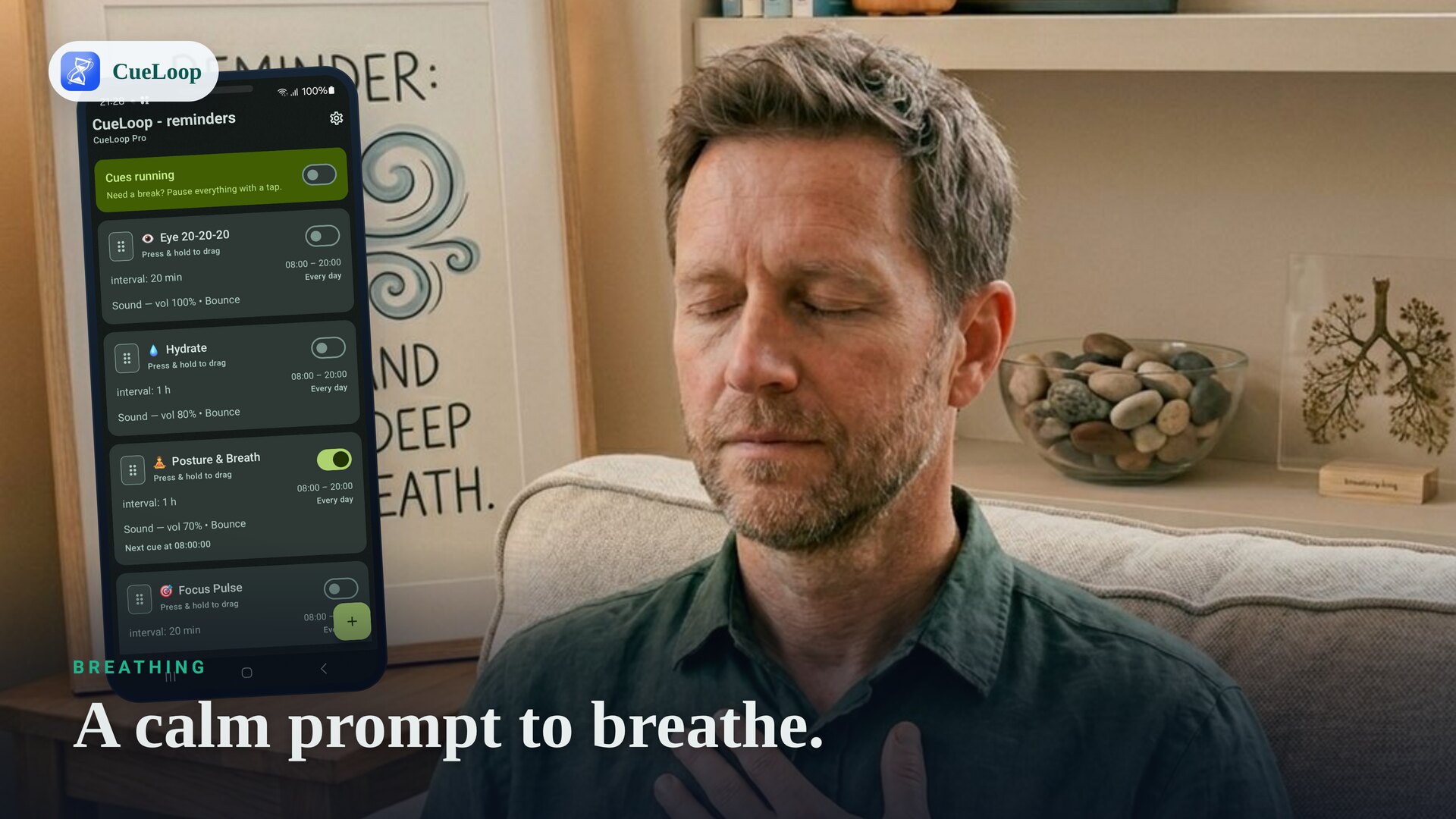
Not every reminder can make a sound. A silent reminder app that still gets your attention needs another channel — and a screen flash is one of the most reliable, because you see it rather than hear it. CueLoop can cue you with a brief full-screen flash, sound and vibration off, even over the lock screen.
Why a flash instead of a sound
Meetings, classrooms, libraries and shared offices all make sound reminders awkward, and pocket vibration is easy to miss or mistake for something else. A screen flash sits between the two: it's unmistakable to you, but silent and invisible to everyone around you. It also works for anyone who can't rely on hearing a sound at all, including Deaf and hard-of-hearing users — CueLoop isn't built specifically as an accessibility tool, but a visible cue works the same way regardless of why sound isn't an option.
Works even with the phone locked
A flash cue isn't just a screen change inside the app — it can show full-screen over the lock screen, the same way an alarm clock wakes the screen when it goes off. You don't need CueLoop open, or even unlocked, for the cue to reach you.
Set up a flash-only cue
- Add a cue loop for whatever you want to remember — "Check phone", "Wrap up", "Look up".
- Set your interval and active hours.
- Choose screen flash as the mode, and turn sound and vibration off for that cue.
- Run it alongside other cues that do use sound or buzz — each cue loop's mode is independent.
Pair it with your watch
If sound and flash both feel like too much, a Wear OS wrist buzz is another quiet option — useful when the phone itself is out of sight. Many people combine a flash cue for the phone with a buzz on the watch, so at least one always gets noticed. It also pairs naturally with an ADHD-friendly reminder routine, where the goal is a nudge that's hard to miss but never disruptive.
CueLoop is offline-first and free to install. See how it works.
Frequently asked questions
How does the screen flash cue work?
When a cue fires, CueLoop can briefly flash the screen instead of playing a sound or vibrating. It shows full-screen even if your phone is locked, so it's easy to notice without any noise.
Can I turn off sound and vibration completely?
Yes. Each cue loop has its own mode, so you can set sound, vibration and screen flash independently — or run a cue with flash only.
Is this useful for Deaf or hard-of-hearing users?
Many people use it that way, since the cue doesn't rely on hearing a sound. CueLoop isn't a dedicated accessibility product, but a silent, visible cue works well as a reminder signal regardless of hearing.
Will it flash during a meeting or in a library?
Yes, that's the point — a brief flash is visible to you but doesn't make noise for people around you the way a ringtone would.
Does it still work with the phone locked?
Yes. The flash cue can show over the lock screen, similar to how an alarm clock wakes the screen, so you don't need the app open.
Ready to try it?
CueLoop is free to install. A working cue in seconds.