 CueLoop
A gentle Pomodoro alternative — focus cues without the lockout
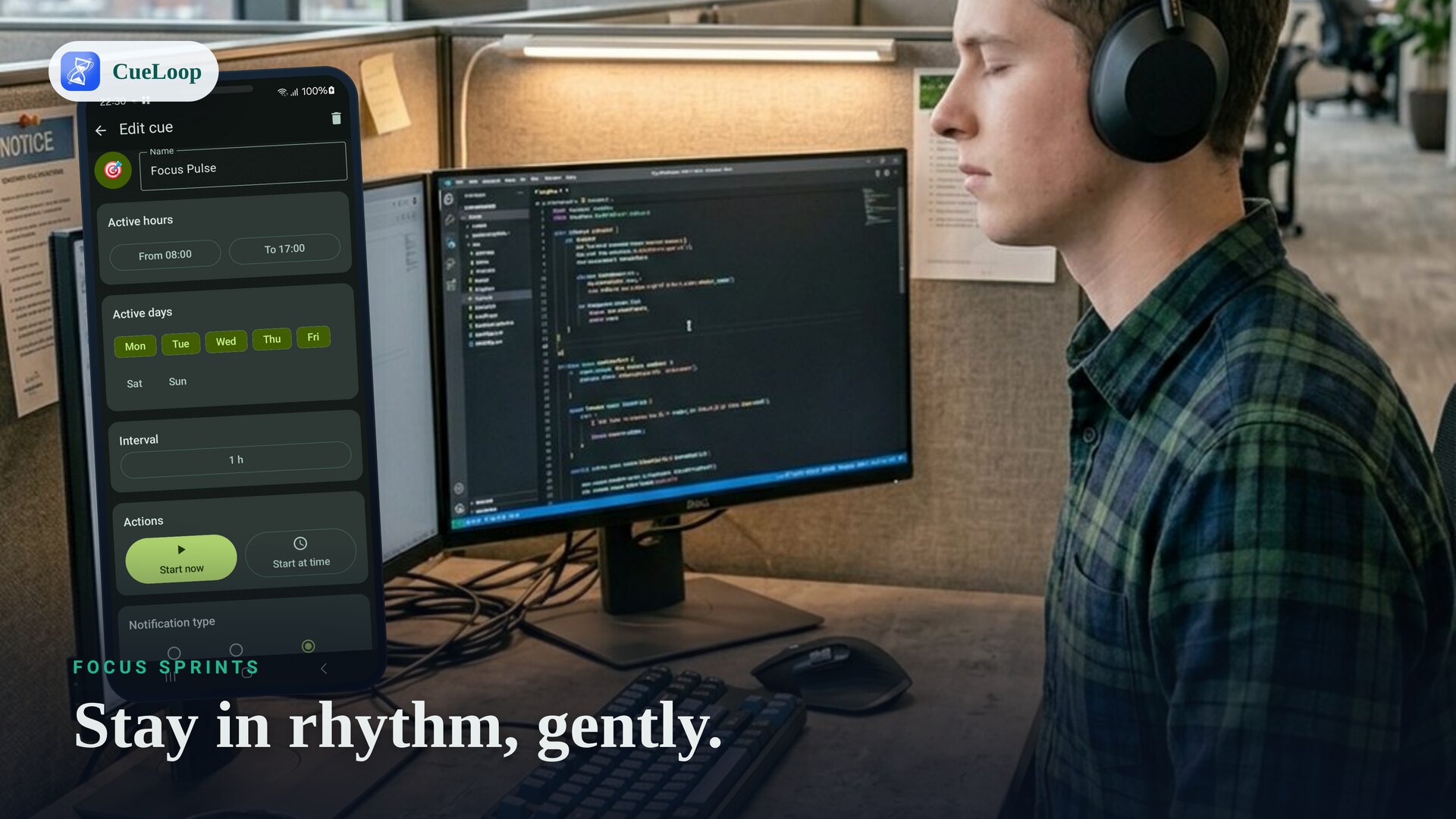
Love the idea of focus sprints but hate harsh timers and app blockers? A gentle Pomodoro alternative gives you the work/break rhythm without the lockouts and alarms. CueLoop nudges you between focus and breaks with a soft sound, a buzz or a brief screen flash — a calmer way to keep a rhythm.
How the gentle approach differs
Classic Pomodoro is 25 minutes of work, 5 minutes of break, repeated. The technique is great; the tooling is often heavy — countdowns that nag, screens you can't leave, or games that penalize you for switching apps. CueLoop keeps only the useful part: a reliable cue that marks each transition, so you stay in flow and decide what to do with it.
Set up a focus rhythm
- Make a "Focus" cue loop at your work interval — 25 minutes, or whatever sprint length suits you.
- Add a "Break" cue loop for your rest interval, or use a single cadence that simply marks every transition.
- Pick a quiet mode — vibration or a screen flash keeps the cue private in shared spaces.
- Set active hours so focus cues only run during your working block.
No lockouts, no penalties
CueLoop never blocks apps, hides your phone or punishes you for stepping away. Focus apps like Forest gamify staying on task by growing a tree you "lose" if you leave; that motivates some people and stresses others. CueLoop is just a quiet, dependable cue — you stay fully in control, and the nudge is a marker, not a master.
Good for deep work and ADHD-style focus
Steady transition cues help when time slips away from you. If a 50-minute sprint tends to balloon into two hours, a gentle cue at the boundary brings you back. For more on using recurring cues to anchor the day, see the ADHD reminder guide.
Reliable timing
Cues use Android exact alarms and a foreground service so each transition fires close to schedule. On some devices, allow notifications, grant exact-alarm permission (Android 12+) and exclude the app from battery optimization for the most accurate timing — CueLoop links you to those settings.
Read how CueLoop works, or set the same cues on your watch with the Wear OS reminder guide.
Frequently asked questions
Does it block apps or lock my phone?
No. CueLoop only nudges you — it never blocks apps or locks you out. You stay in control; the cue is just a gentle marker for work and break.
Can I set a 25/5 Pomodoro rhythm?
Yes. Set a cue loop for your work interval and another for breaks, or one cadence that marks each transition. Adjust the timing to whatever rhythm suits you.
How is this different from apps like Forest?
Gamified focus apps like Forest reward you with a growing tree or penalize leaving the app. CueLoop is just a quiet, reliable cue — no game, no penalty, no account.
Will it interrupt a meeting?
Only if you want sound. Use vibration or a screen flash for a focus cue that stays private.
Ready to try it?
CueLoop is free to install. A working cue in seconds.