 CueLoop
Posture, eye break & breathing reminder app — tiny resets every 10 minutes
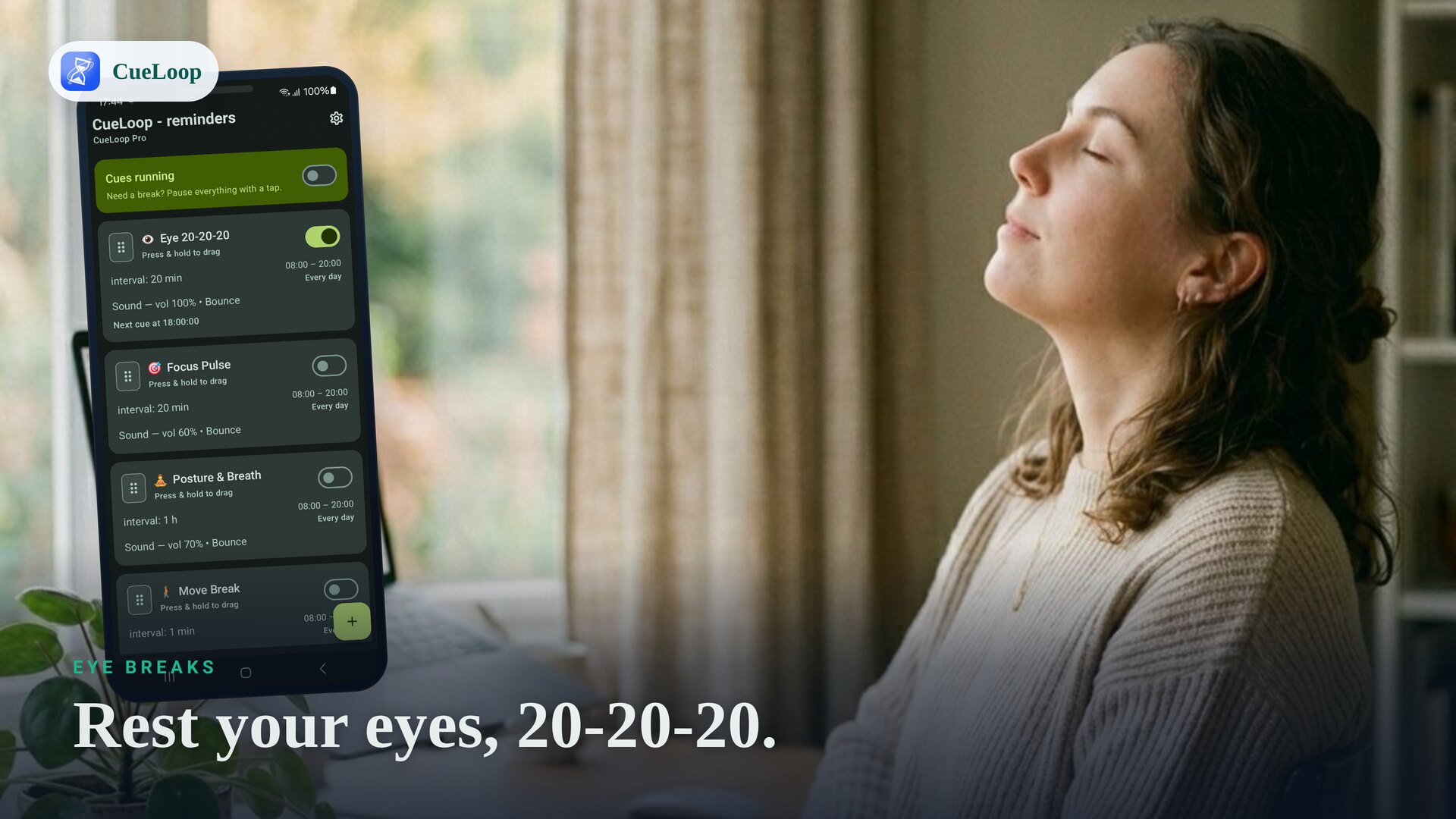
A lot of useful habits are too small for a full tracker but too easy to forget while working. A posture, eye break and breathing reminder app can act as a tiny reset: sit taller, soften your face, look away from the screen and take two deep breaths. CueLoop is built for exactly that kind of recurring cue.
A simple 10-minute body reset
One practical setup is a cue every 10 minutes during desk work:
- Posture — sit up, drop your shoulders and unclench your jaw.
- Eyes — open your eyes a little wider, blink, then look away from the screen.
- Breathing — take two slow breaths before returning to the task.
The point is not to create a complicated routine. The cue is just a small interruption that helps you notice your body before tension builds up.
How to set it up in CueLoop
- Create a cue loop named "Body reset", "Posture", or whatever phrase you will understand instantly.
- Set the interval to 10 minutes, or choose a slower rhythm such as 20 or 30 minutes if that fits your work better.
- Choose active hours so the reminders only run while you are at your desk.
- Pick the cue style: vibration for a private nudge, a gentle sound if the phone is nearby, or a screen flash when you want it silent.
- Use the Test button, then start the loop.
Why one cue can cover several habits
Posture, screen strain and shallow breathing often happen together. A single recurring cue can become a short checklist: body, eyes, breath. That is easier to maintain than three separate apps or a habit tracker that asks you to log every reset.
When to use separate cue loops
If one cue gets too crowded, split it into separate loops. For example, run an eye break every 20 minutes, a posture cue every 30 minutes and a breathing cue before stressful meetings. CueLoop lets each loop use its own cadence and active-hours window.
Phone away? Use your wrist
If your phone is across the room, a Wear OS watch can mirror CueLoop notifications as a wrist buzz. That makes small body resets easier to notice without making the cue loud. See the Wear OS reminder guide for details.
For a broader office setup, read the desk break reminder guide.
Frequently asked questions
Can CueLoop remind me every 10 minutes?
Yes. Create a cue loop, set the interval to 10 minutes, choose active hours, and CueLoop will nudge you on that cadence.
Can I use one cue for posture, eyes and breathing?
Yes. Many people use one short cue as a body reset: sit taller, relax the face, look away from the screen and take two deep breaths.
Can the cue be silent?
Yes. Use vibration or a screen flash when a sound would disturb the room. If you use a Wear OS watch, the cue can arrive as a wrist buzz too.
Is this a habit tracker?
No. CueLoop does not ask you to log completions or maintain a streak. It is a recurring cue app for actions you already know you want to remember.
Ready to try it?
CueLoop is free to install. A working cue in seconds.