 CueLoop
Wear OS reminder app — recurring nudges on your wrist
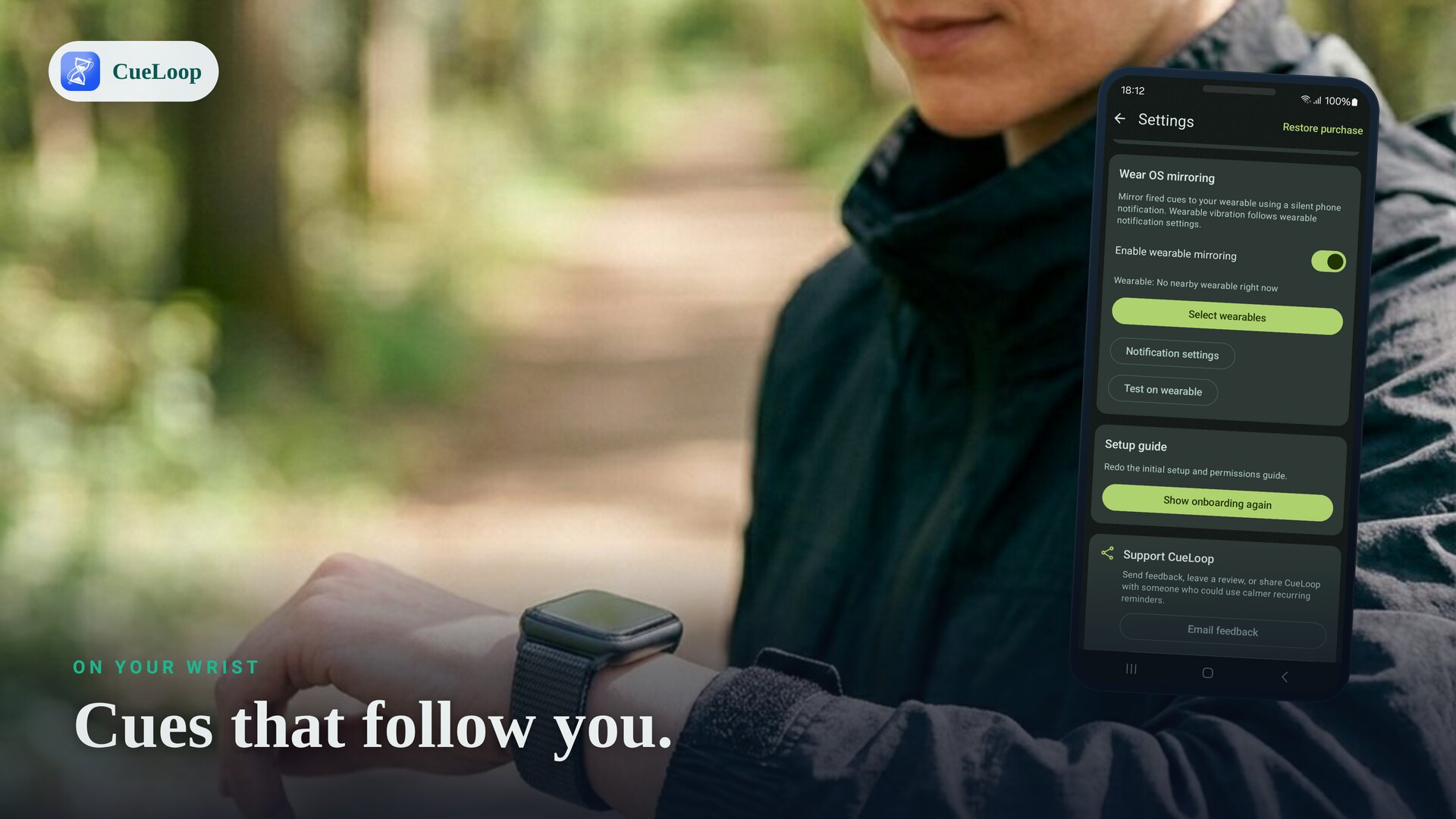
A good Wear OS reminder app puts a gentle nudge on your wrist so you act on it without digging out your phone. CueLoop schedules recurring cues on your Android phone and mirrors them to your watch as notifications — a soft buzz on a Pixel Watch, Galaxy Watch or other Wear OS device, exactly on the cadence you choose.
Why a wrist reminder works better
Phone reminders are easy to miss: the phone is in a bag, face-down, or on silent. A reminder on your wrist is right where you'll feel it. For recurring habits — water, posture, eye breaks, movement, focus check-ins — a quiet vibration every 20 or 30 minutes keeps you on track without pulling you into the phone.
How CueLoop delivers cues to your watch
- Create a cue loop on your phone: name it, pick a mode (gentle sound, soft vibration or a brief screen flash), and choose the interval.
- Set your cadence and active hours so cues only fire while you want them — say 9:00 to 17:00 on workdays.
- Wear your watch as usual. When a cue fires, the notification mirrors to your Wear OS watch through Android's standard notification relay, so you get a wrist buzz in the moment.
Which watches work?
Any Wear OS watch that mirrors phone notifications will show CueLoop cues — including Google Pixel Watch and Samsung Galaxy Watch models. The watch shows cues while it is connected to your phone, the normal Wear OS pairing setup; the wrist buzz is what makes the cue impossible to ignore even when the phone is pocketed.
Keep it quiet when you need to
Choose vibration so a cue is a discreet wrist tap with no sound — ideal in meetings, offices and libraries. Or pick a gentle sound for at home, and a screen flash when even a buzz is too much. Each cue loop has its own mode, so a silent posture nudge and a soft hydration chime can run side by side.
A calm alternative to heavy reminder apps
Many reminder and habit apps lean on streaks, scores and accounts. CueLoop stays deliberately small: no sign-up, no cloud, no tracking in the core app — just reliable recurring cues, on your phone and your wrist. It uses Android exact alarms and a foreground service so cues stay close to schedule instead of drifting.
See how CueLoop works, or set up desk habits with the desk break reminder guide.
Frequently asked questions
Do I need my phone nearby?
Cues are scheduled on the phone and mirror to your watch as notifications, so the watch shows them when it is in range of your phone — the usual Wear OS setup. The wrist buzz means you notice even with the phone pocketed or across the room.
Which watches work?
Any Wear OS watch that mirrors phone notifications — Pixel Watch, Samsung Galaxy Watch and other Wear OS models.
Can the watch buzz silently?
Yes. Choose vibration so the cue is a discreet wrist tap with no sound — good for meetings, offices and libraries.
How often can it remind me?
As often as you like — set the cadence in seconds, minutes or hours, with an active-hours window so it stays quiet off the clock.
Ready to try it?
CueLoop is free to install. A working cue in seconds.