 WebCam
Set up a phone document camera for teaching
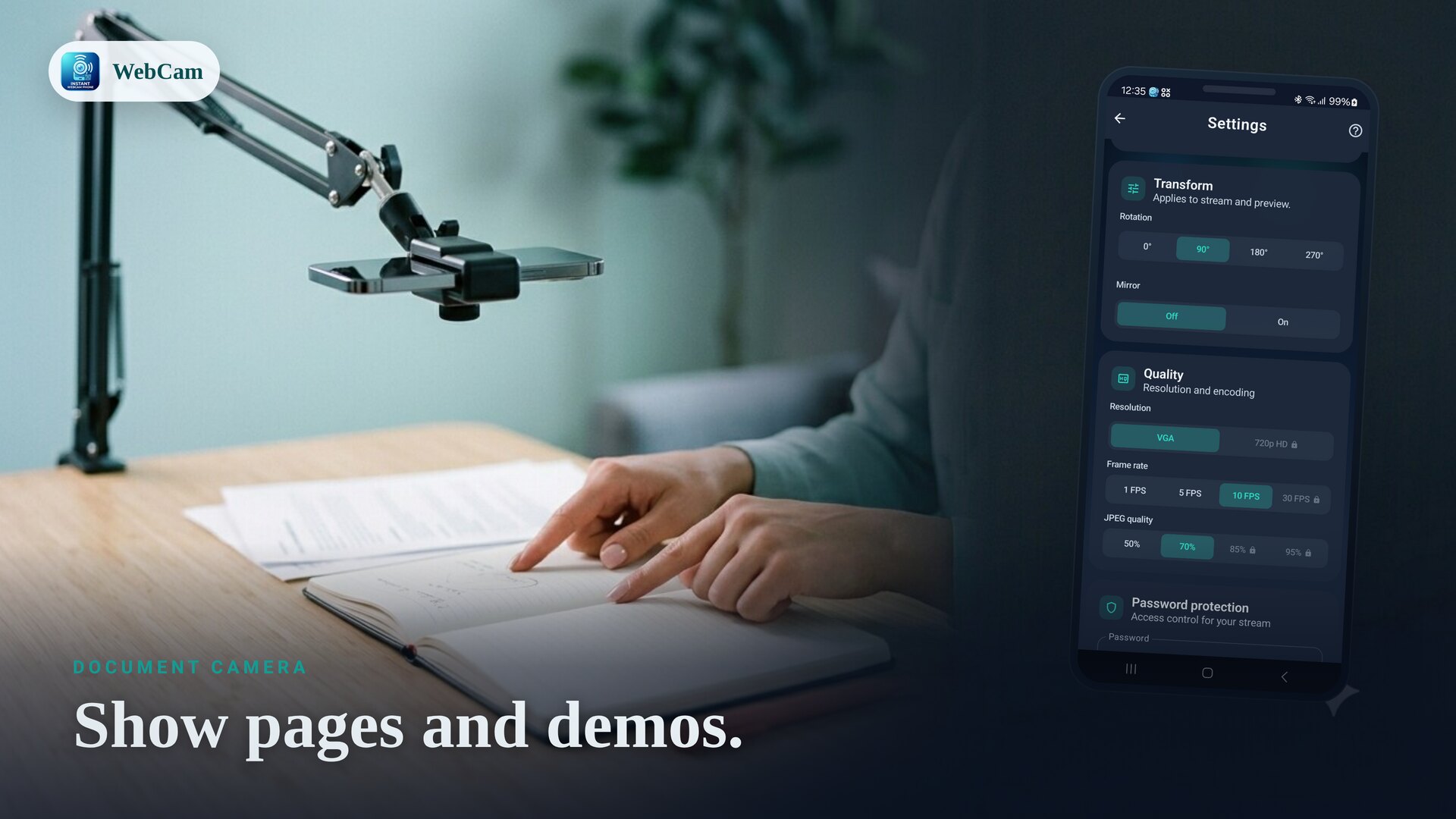
A document camera (or "visualizer") lets people see pages, notes and hands-on demos live. You don't need dedicated hardware — WebCam turns a phone into an overhead camera that streams the view to any browser on your Wi-Fi.
Mount the phone overhead
Use a clamp arm or an overhead phone stand so the camera points straight down at the desk or page. Once it's positioned, use WebCam's rotation and mirror controls so the image reads the right way up for your viewers.
Share the view
- Put the phone and the viewers' devices on the same Wi-Fi.
- Open WebCam, frame the page, and tap Start.
- Students or colleagues open the shown address in a browser — or scan the QR code — to watch live. Nothing to install on their side.
For a remote class
Teaching over a video call? Pull the phone into OBS over RTSP and use OBS's virtual camera, so the overhead view becomes a camera you can switch to inside your meeting app.
Capture a clear still
Need a snapshot of a page? WebCam offers a single-JPEG snapshot with a high-resolution option, handy for capturing a worksheet or a finished diagram without recording the whole session.
Tune for legible text
Good, even lighting and a higher resolution make small text readable. Raise the resolution and JPEG quality in settings if your Wi-Fi keeps up, and avoid glare on glossy pages.
Related: use your phone as a webcam for PC.
Frequently asked questions
How do I mount the phone over the desk?
Use a clamp or overhead phone stand so the camera points down at the page. Then use the rotation and mirror controls so the image reads correctly for viewers.
Can the class watch in a browser?
Yes. In Browser mode anyone on the same Wi-Fi can open the stream in a browser — no app needed on their device.
Can I grab a still of a page?
Yes. WebCam offers a single-JPEG snapshot, with a high-resolution option, for capturing a clear still of a document.
Ready to try it?
WebCam is free to install. A live stream in seconds.