 WebCam
Use a spare phone as a pet monitor
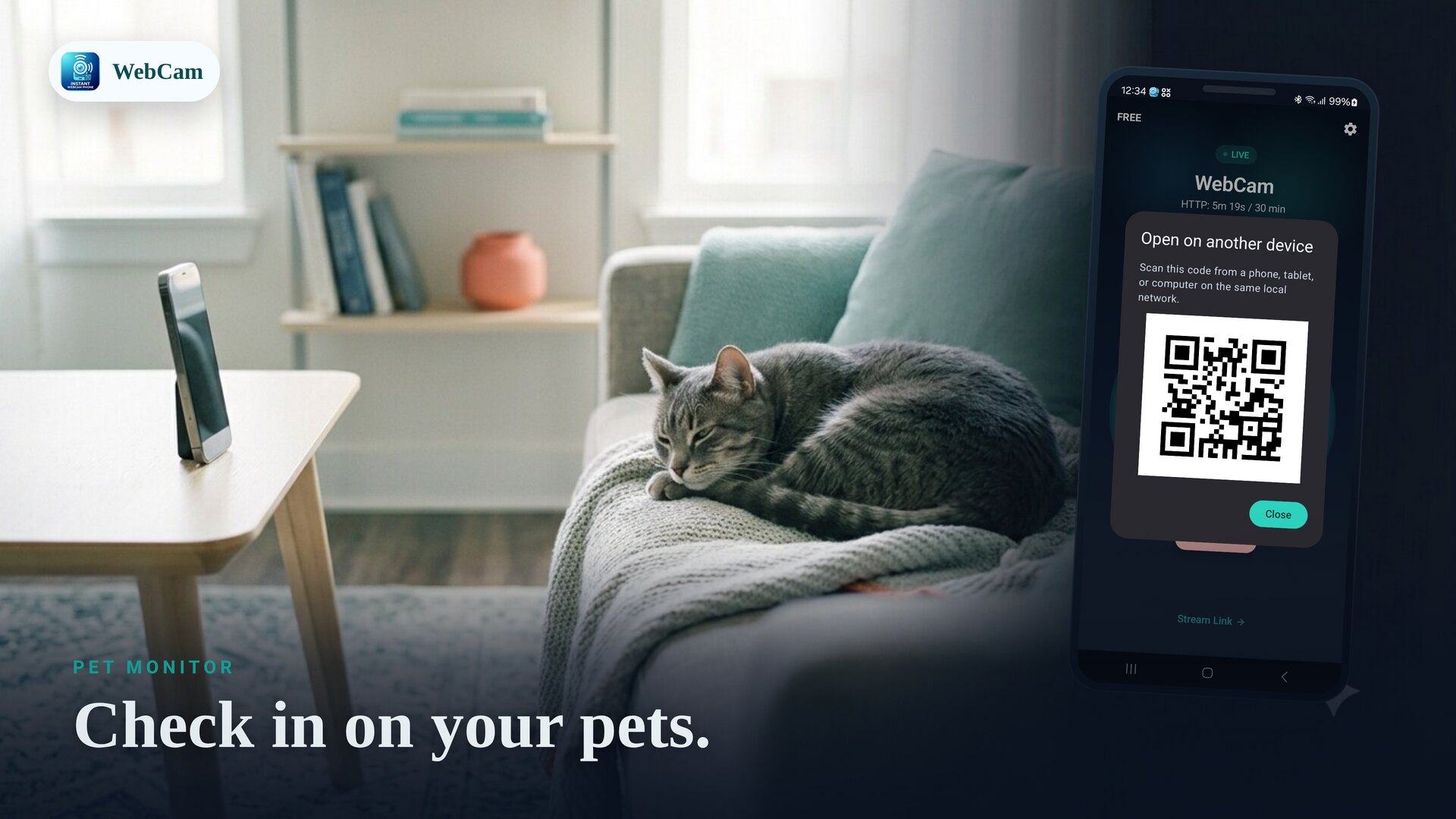
Want to check on a pet from the next room without a cloud camera? Point a spare Android phone at them and watch live in a browser. WebCam keeps the stream on your own Wi-Fi — no subscription, no account.
Set up the camera
- Prop a spare phone where it has a clear view, and keep it on a charger.
- Connect it to the same Wi-Fi as the device you'll watch from.
- Open WebCam, pick the camera, and tap Start.
- On your phone or laptop, open the shown address in a browser — or scan the QR code — to watch live.
Watch from another room
As long as your viewing device is on the same Wi-Fi, you can watch from anywhere in the house. The feed is live in a normal browser tab, so there's no separate app to install on the device you're watching from.
Keep it running
For longer check-ins, leave the phone plugged in and follow the in-app battery guidance so the stream isn't paused. The free tier's session and daily limits are fine for quick looks; WebCam Pro removes them for continuous watching.
Keep it private
The video stays on your local network and isn't sent to a developer cloud. Set a password so only you can open the stream and controls.
Reusing an old handset for this? See turn an old phone into an IP camera.
Frequently asked questions
Can I watch from another room?
Yes. As long as the viewing device is on the same Wi-Fi, open the stream in a browser to watch live from anywhere in the house.
Will it run all day?
Keep the phone charging and follow the in-app battery guidance. The free tier has session and daily limits; WebCam Pro removes them for continuous streaming.
Is the feed private?
Yes. The stream stays on your local network and is not sent to a developer cloud. Add a password for extra protection.
Ready to try it?
WebCam is free to install. A live stream in seconds.