 WebCam
Turn an old phone into a Wi-Fi IP camera
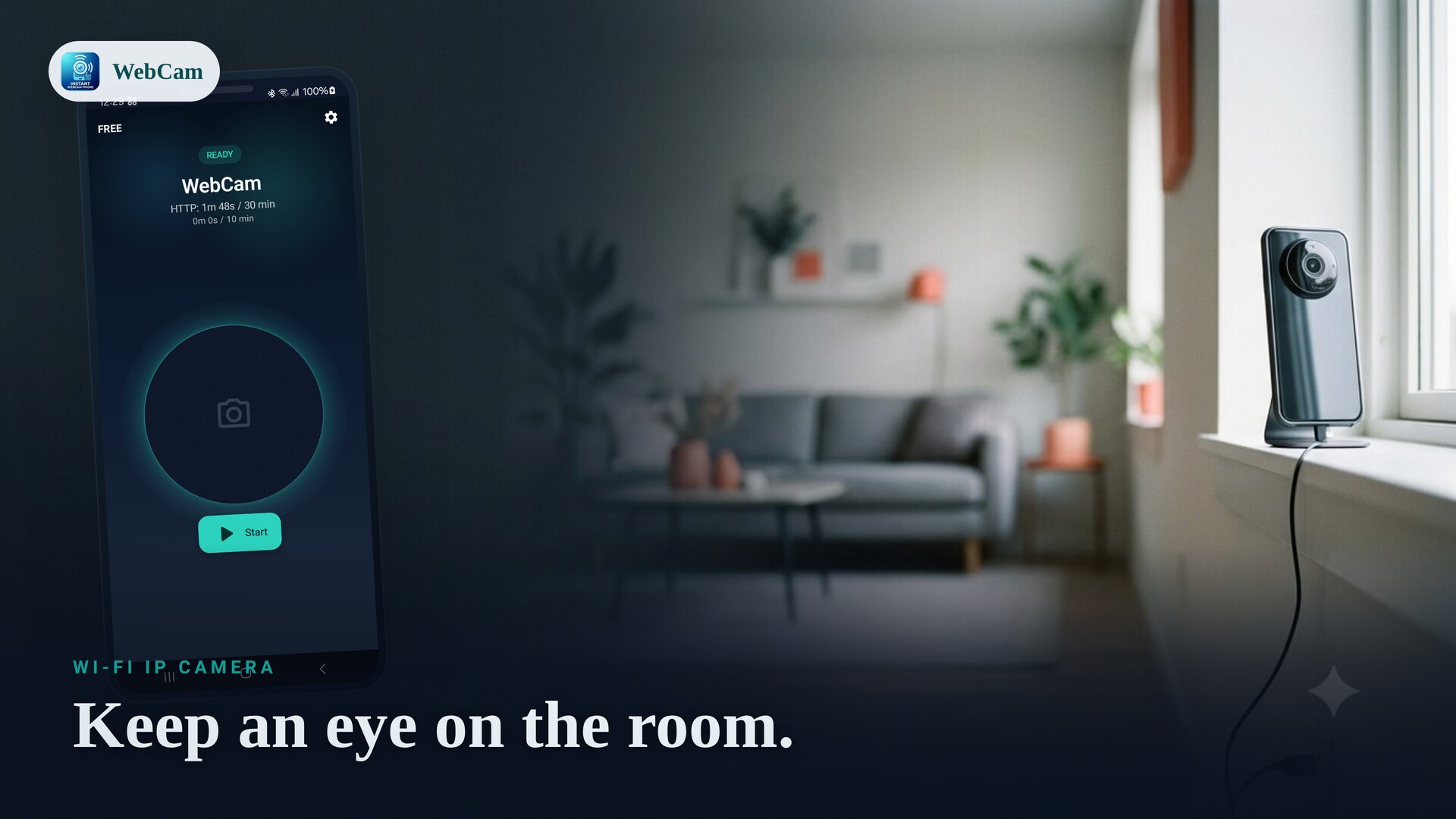
That drawer phone you stopped using still has a great camera and Wi-Fi. WebCam turns it into a private IP camera for a room, a doorway or a workshop — watched live from any browser on your network, with no subscription and no cloud account.
Why a local IP camera
Most consumer cameras route video through a vendor cloud. WebCam doesn't: the stream stays on your own Wi-Fi and is viewed live from another device on the same network. That means no monthly fee, no account, and your video isn't uploaded to a developer-operated server.
Set it up
- Mount or prop the old phone where you want the view, and keep it on a charger.
- Connect it to the same Wi-Fi as the device you'll watch from.
- Open WebCam, choose the camera, and tap Start.
- On your laptop or another phone, open the shown address in a browser — or scan the QR code — to watch live.
Keep it running
For an always-on camera, leave the phone plugged in and follow the in-app battery guidance so the system doesn't pause the stream. The free tier has per-session and daily limits that suit spot checks; WebCam Pro removes those limits for continuous, uninterrupted streaming.
Lock it down
Set a password so only people who have it can open the stream and the browser controls. Because the feed never leaves your network, the main thing to protect is access on the LAN itself.
Want a portable angle instead? See the phone-as-webcam guide, or learn the RTSP setup for recording.
Frequently asked questions
Does it record to the cloud?
No. WebCam is a local-network live stream; the video stays on your Wi-Fi and is not uploaded to a developer cloud. You view it live from another device on the same network.
How do I keep it running for a long time?
Keep the phone on a charger and follow the in-app battery guidance so the system does not pause the stream. WebCam Pro removes the free session and daily limits for uninterrupted streaming.
Can I protect it with a password?
Yes. Set a password so only people with it can open the stream and the browser controls.
Ready to try it?
WebCam is free to install. A live stream in seconds.